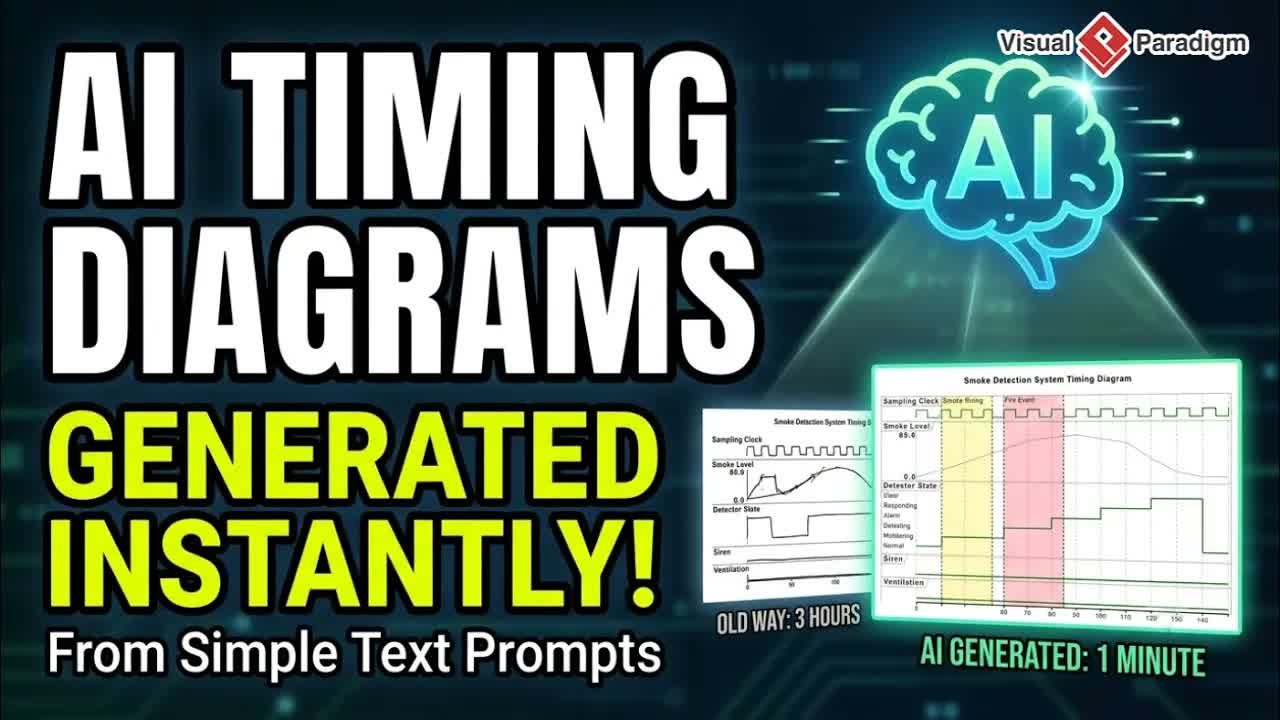
Diagram-as-code workflows have fundamentally changed how software developers and system architects produce technical documentation. Instead of manually dragging shapes and arranging connector lines in drawing tools, text-driven diagramming enables technical teams to maintain visual models using code-based declarations. Visual Paradigm addresses this workflow with VPasCode, a fast, versatile, and free editor designed to streamline text-to-diagram generation.
By offering real-time rendering, multi-language engine support, built-in AI assistance, and automatic label translation, the VPasCode Editor helps engineering teams accelerate documentation while maintaining consistency across global projects.
What Is VPasCode?
VPasCode is a web-based diagram-as-code editor that allows developers to write code, render diagrams instantly, and leverage artificial intelligence for complex modeling tasks.
Core capabilities supported by the platform include:
- Live Code Editing: Instant visual rendering as you type or modify code blocks.
- Multi-Language Syntax Support: Seamlessly write diagrams using PlantUML, Mermaid, Graphviz, D2, and other popular modeling languages.
- AI-Powered Diagram Generation: Produce complete architecture and process diagrams directly from natural language prompts.
- Smart Code Error Fixing: Use AI to identify syntax issues automatically and apply quick fixes.
- Multi-Language Label Translation: Translate diagram labels and annotations instantly for international collaboration.
- Instant Theme Switching: Adapt visual styling across light, dark, and specialized color palettes with a single click.
Key Features Breakdown
1. Live Rendering across Multiple Engines
Rather than constraining users to a single syntax format, VPasCode supports multiple visual frameworks within a single editor pane. Developers can switch between PlantUML sequence diagrams, Mermaid flowcharts, and Graphviz network graphs without changing tools.
2. AI Generation and Automated Error Correction
Building complex structures from scratch can present syntax challenges. The integrated AI engine assists users by generating initial diagram code from high-level requirements. Additionally, if syntax errors occur while editing, the built-in AI detects the error and offers automated corrections to repair the code structure.
3. Multi-Language Label Translation for Global Teams
For distributed development teams, translating technical diagrams into multiple spoken languages can be cumbersome. VPasCode includes multi-language label translation capabilities, allowing teams to translate diagram text elements into localized languages while preserving the underlying diagram structure.
4. Seamless Documentation Integration
VPasCode links directly with visual documentation systems. Diagrams built in the editor can be incorporated into technical specifications via OpenDocs and OpenDocs Editor, ensuring architecture charts remain aligned with project documentation.
Step-by-Step Walkthrough: Creating and Managing Diagrams in VPasCode
Step 1: Access the Online Workspace
Open the free VPasCode Editor in your web browser. Select your target framework (e.g., PlantUML or Mermaid).
Step 2: Generate or Write Diagram Code
Type your diagram code directly into the left editor panel. Alternatively, activate the AI assistant and enter a descriptive prompt to generate the initial visual markup automatically.
Step 3: Resolve Errors and Customize Themes
If syntax flags appear, click the AI fix option to clean up formatting issues. Adjust visual themes using the instant theme selector to match presentation or documentation guidelines.
Step 4: Translate Labels and Export
Use the translation tool to localize node labels and text for global team members. Once finalized, copy the markup or export your rendered diagram into your central knowledge base on Visual Paradigm Online.
Practical Applications
- Cross-Border Team Collaboration: Translate system components into regional languages so international teams can review shared architecture models easily.
- Agile System Architecture: Maintain code-backed microservices and API sequence diagrams directly within code repositories.
- Conversational Diagramming: Combine quick code edits with conversational assistants like AI Chatbot Tool and Chatbot tools to draft ideas rapidly during planning meetings.
Explore Visual Paradigm Solutions
Supercharge your modeling workflow with Visual Paradigm’s suite of developer and diagramming tools:
- Start building text-based diagrams now using the free VPasCode Editor.
- Explore features, supported formats, and updates on the official VPasCode Homepage.
- Discover complete modeling, UML, and enterprise architecture solutions on Visual Paradigm.