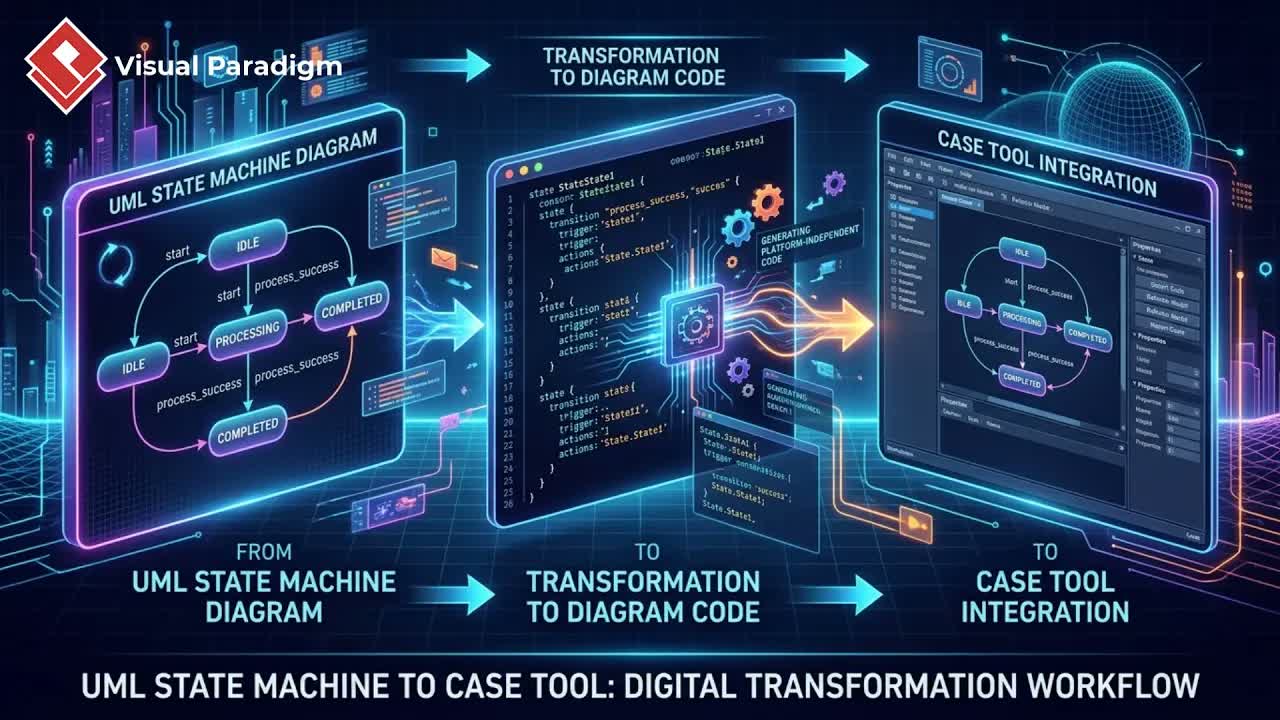
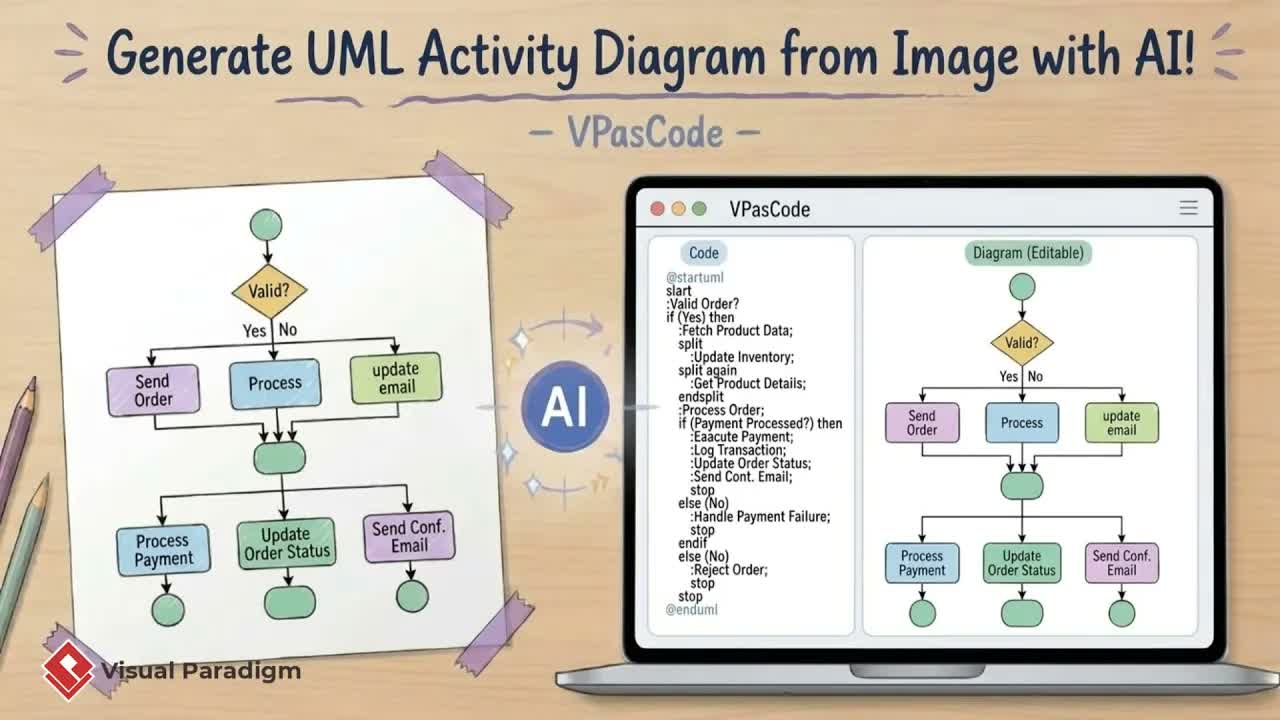
Software development teams frequently receive architectural diagrams, client sketches, or static visual charts that need to be incorporated into official system designs. Manually recreating these diagrams element-by-element is time-consuming and prone to human error. With VPasCode, an innovative feature within Visual Paradigm, you can instantly convert any static UML use case diagram image into a fully editable model powered by code and artificial intelligence.
The Power of Image-to-Diagram Conversion
Rebuilding legacy or client-provided diagrams manually delays project kickoff and consumes valuable engineering hours. VPasCode eliminates this friction by combining vision-capable AI models with diagram-as-code automation. Whether you have a low-resolution graphic, a white-board photo, or a PDF snippet of a use case model, VPasCode analyzes the visual elements—including actors, use cases, associations, and inclusions—and generates the accurate textual code and visual model simultaneously.
Step-by-Step Workflow: Transforming Images to Editable UML
1. Upload Image and Generate UML via AI
To convert an existing diagram image into an editable format:
- Open the Command Menu in Visual Paradigm.
- Navigate to Unified Platform and select VPasCode.
- Click on AI Generate and upload your diagram image.
- Enter a concise prompt instructing the AI to generate the chart based on the image provided.
Within seconds, VPasCode processes the image and outputs a rendered diagram along with its underlying source code, maintaining structural parity with the original file.
2. Refine Diagrams Using Code or AI Prompts
Once generated, you can modify your UML diagram through two direct methods:
- Direct Code Adjustments: Modify text labels or structural elements directly inside the code editor. For example, removing descriptive labels or renaming actors updates the visual canvas instantly.
- Natural Language AI Prompts: Instruct the AI assistant to perform modifications automatically. Prompting the system to add a new element—such as an “online verification” use case—will automatically update the code, place the new node, and organize relationships logically.
3. Import Models into Visual Paradigm Desktop
After refining the syntax and layout within VPasCode, click Import to Visual Paradigm. This transfers the diagram directly into your modeling environment, enabling comprehensive software lifecycle management, team collaboration, and traceability linking across requirements and model elements.
4. Document Architecture with OpenDocs and Pipeline Integration
To finalize your technical specifications and deliver clean documentation:
- Open the VPasCode sidebar and choose Send to Pipeline.
- Return to Unified Platform and launch OpenDocs.
- Select your documentation page, click Insert, choose Pipeline, and select your imported diagram.
Your AI-generated UML diagram is seamlessly embedded into your team’s official technical documentation, ensuring system designs remain up-to-date and accessible.
Key Benefits for Engineering Teams
- Accelerated Client Onboarding: Instantly convert legacy specs or client-provided mockups into active project assets.
- Flexible Editing: Seamlessly toggle between direct code editing and prompt-based AI adjustments.
- End-to-End Documentation: Pipeline integration ensures modeling updates stream directly into formal technical documents.
Ready to Speed Up Your UML Modeling Workflow?
Stop wasting hours manually drawing and adjusting shapes on a canvas. Experience how text-driven diagramming can streamline your design process and accelerate project delivery. Visit VPasCode to convert plain text into flexible, maintainable UML models in seconds.