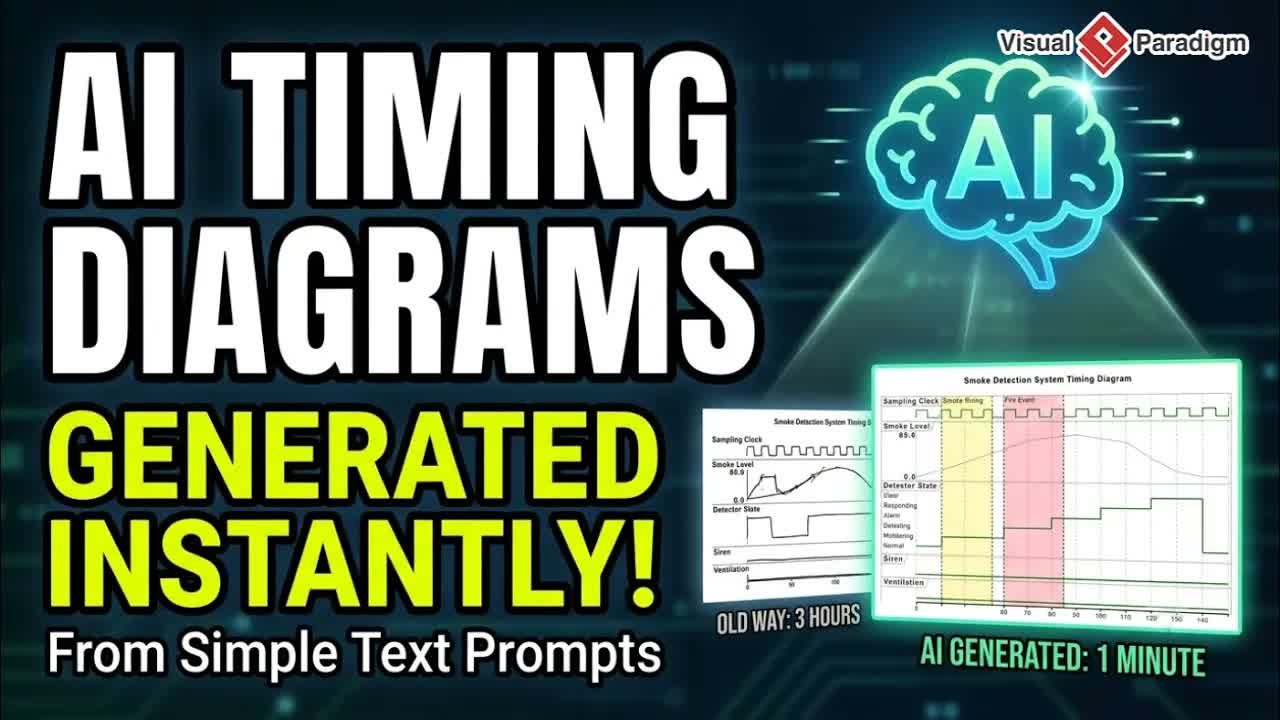
Manual diagramming often consumes valuable engineering time that could otherwise be spent building software. Designing architecture models, sequence flows, and system interactions by manually dragging shapes and connecting connectors can quickly slow down development workflows. VPasCode resolves this friction through text-based visualization, allowing developers to define visuals efficiently using plain text and structured declarations.
With the integration of advanced artificial intelligence into the VPasCode Editor, visual modeling becomes even faster. Developers and software architects can now generate complete diagrams directly from concise text prompts and update existing code using intelligent inline AI modifications. This walkthrough covers how these new capabilities streamline technical documentation and diagram maintenance.
Understanding Diagram-as-Code with VPasCode
Diagram-as-Code treats visualization assets like source code. Storing visual structures in text formats allows development teams to version control their architecture diagrams directly within repository management platforms, conduct code reviews on visual architecture, and maintain single-source-of-truth system documentation.
Powered by Visual Paradigm, VPasCode provides a versatile online environment supporting multiple popular modeling syntaxes and data formats:
- Supported Modeling Syntaxes: PlantUML, Mermaid.js, Graphviz (DOT), D2, Markmap, ECharts, and DBML.
- Supported Data Formats: JSON, YAML, and SQL schemas.
- Automatic Syntax Detection: Real-time engine identifying input formats to render accurate previews instantaneously.
Key AI Features in VPasCode
1. Instant AI Diagram Generation
Instead of manually learning syntax specifics for different framework languages, users can describe system behavior, database tables, or component relationships in natural language. The built-in AI automatically interprets the request and produces clean, syntax-valid code alongside a real-time preview.
2. Smart AI Code Modification & Diff Comparison
Updating existing architecture maps no longer requires re-reading long code blocks. Users can highlight existing diagram code and instruct the AI assistant to refactor, add new elements, adjust styling, or change components. VPasCode displays an intelligent side-by-side diff preview, enabling users to verify code changes before accepting updates.
Step-by-Step Walkthrough: Using AI Capabilities
Step 1: Open the Online Workspace
Access the online editor and select your preferred engine framework (such as Mermaid, PlantUML, or Graphviz).
Step 2: Generate a Diagram with Natural Language
Click the AI Prompt action button within the workspace interface. Type a natural language description (e.g., “Create an e-commerce microservices sequence diagram with API Gateway, Auth Service, and Order DB”) and trigger the generation action.
Step 3: Review and Refine Code
The editor immediately populates the code pane and renders the visual preview. You can manually tweak the generated script or continue issuing AI prompts to expand system nodes.
Step 4: Smart Refactoring and Diff Inspection
To modify existing structures, select a block of code and prompt the AI tool (e.g., “Add Redis Caching between API Gateway and Order Service”). Use the diff viewer to inspect added or removed lines, then accept the modification to update your visual diagram instantly.
Practical Use Cases
- System Architecture Modeling: Rapidly blueprint microservices architectures, cloud infrastructure layouts, and component dependencies during design sessions.
- Database Schema Planning: Convert database structure ideas into structured DBML or SQL representations instantly.
- Technical Documentation: Embed maintainable diagram scripts into documentation workflows using OpenDocs Editor or collaborative suites like Visual Paradigm Online.
- Interactive Knowledge Sharing: Build conceptual maps and workflows using OpenDocs platforms or AI messaging interfaces like AI Chatbot Tool and Chatbot solutions.
Explore Visual Paradigm Solutions
Elevate your design and software architecture workflows across the Visual Paradigm ecosystem:
- Try the free VPasCode Online Editor to start building text-driven diagrams with AI today.
- Discover full desktop modeling tools and enterprise software development solutions at Visual Paradigm Main Site.
- Access cloud-based design suites, infographic makers, and team collaboration tools on Visual Paradigm Online.