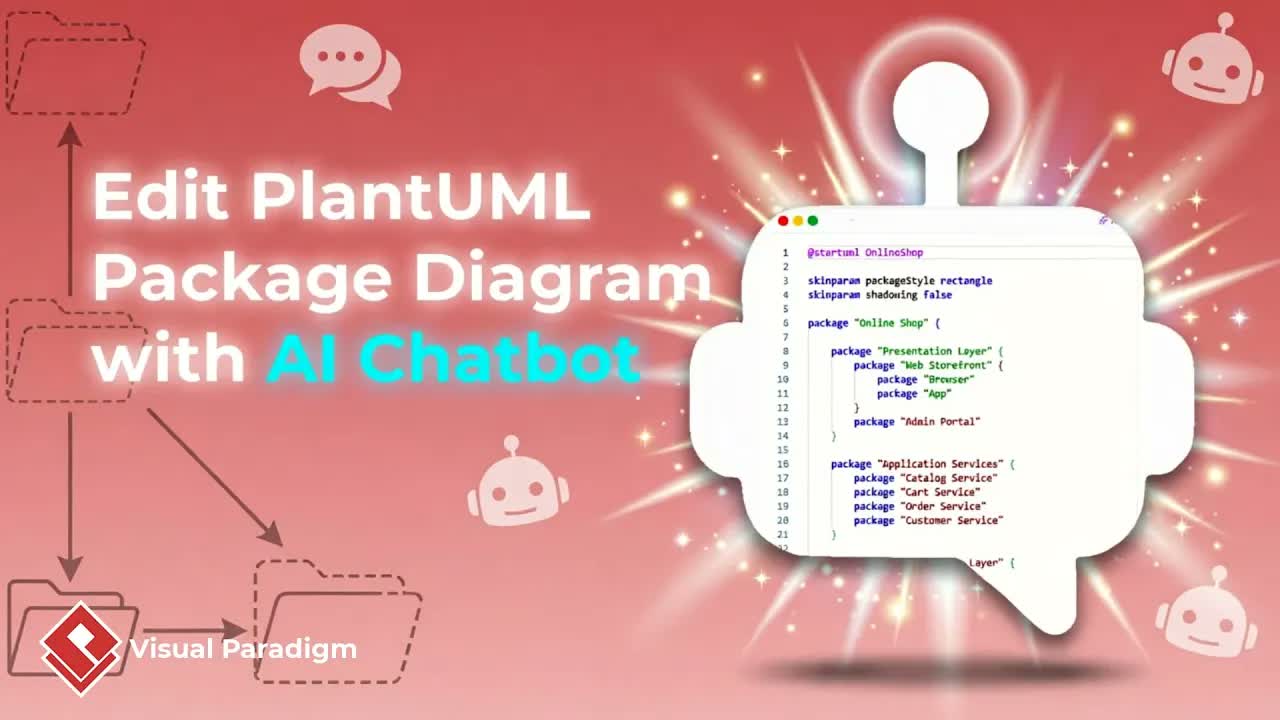
UML package diagrams are crucial for organizing software systems into high-level logical modules, managing dependencies, and maintaining clean architectural boundaries. However, manually mapping out packages, assigning components, and tracing dependency lines can quickly become cumbersome during early design phases. Visual Paradigm solves this by utilizing an AI Chatbot that transforms plain text prompts into structured UML package diagrams in seconds.
This guide demonstrates how to generate, refine, and compare UML package diagrams using conversational AI commands before importing them directly into your project workspace using Visual Paradigm Online and desktop software.
Key Benefits of AI Package Diagram Generation
Using artificial intelligence for package diagramming offers significant advantages for software developers, system architects, and technical designers:
- Instant Architectural Scaffolding: Convert high-level system descriptions into structured package hierarchies without manual shape drawing.
- Contextual Domain Tuning: Refine generic diagrams into domain-specific architectures using simple natural language directives.
- Precision Dependency Adjustments: Instruct the AI to redirect dependency links, correct targets, or insert missing sub-packages.
- Version Comparison & Traceability: Compare current diagram iterations against previous drafts to ensure architectural integrity.
- Seamless Desktop Integration: Convert cloud-generated drafts into native desktop projects for enterprise modeling and version control.
Step-by-Step Guide: Building Package Diagrams with AI
Step 1: Launch the AI Chatbot
Open your workspace, navigate to Tools in the main navigation menu, and select the AI Chatbot Tool interface.
Step 2: Generate the Initial Package Diagram
Provide a high-level system description to generate a baseline diagram. For example, enter a prompt such as: “Generate a package diagram for an onboard flight management system.” The AI engine analyzes the domain and creates a baseline layout displaying initial subsystem packages.
Step 3: Refine Domain Focus and Adjust Dependencies
If the baseline model feels too generic, refine the scope using direct conversational feedback in the Chatbot interface:
- Focus Scope: Type “Revise the diagram to be more focused on flight control.” The AI will restructure the packages to emphasize flight control components.
- Add Missing Dependencies: If relationships between specific packages are missing, type “Fix missing relationships to the ailerons package.”
- Correct Dependency Targets: If a dependency arrow links to an incorrect package, instruct the system: “Update the relationship target for the ailerons package.”
Step 4: Expand Sub-Packages and Compare Iterations
Incorporate granular sub-modules into your package structure:
- Type a prompt like “Add speed brake and flaps to the actuators package.” The AI engine updates the inner package contents automatically.
- Click the Compare with Previous button to review a side-by-side comparison of the current diagram against earlier versions, ensuring all modifications are accurate.
Step 5: Import to Visual Paradigm Desktop
Once your package architecture is complete, click the Import to Visual Paradigm button. The diagram converts into Visual Paradigm native desktop format, unlocking advanced editing features, repository storage, and integration into documentation workflows like the OpenDocs Editor.
Practical Applications for Software Architects
- Modular System Decomposition: Group complex codebases into distinct, decoupled functional layers and subsystems.
- Dependency Management: Identify unwanted cyclic dependencies between packages during early technical planning.
- Architecture Documentation: Maintain clear visual boundaries for enterprise projects, publishing live models through OpenDocs.
Accelerate Your Architectural Design Today
Streamline software architecture planning and convert high-level design ideas into structured UML package diagrams within minutes.
Explore tools or start modeling today: