p>Mermaid syntax is popular among developers and software architects for quickly generating lightweight diagrams directly from text code. However, simple visual charts often lack structural validation, complete domain metadata, and integrated technical documentation. To bridge the gap between quick visual sketches and enterprise-grade software architecture, Visual Paradigm provides an AI-driven workflow that converts basic Mermaid diagrams into fully documented, model-driven engineering assets.
In this guide, you will learn how to analyze Mermaid class diagrams, automatically identify and resolve structural defects, generate comprehensive software specifications, publish documentation via OpenDocs, and transition your models into professional modeling platforms or code-centric environments.
1. Importing Mermaid Code into Visual Paradigm AI Chatbot
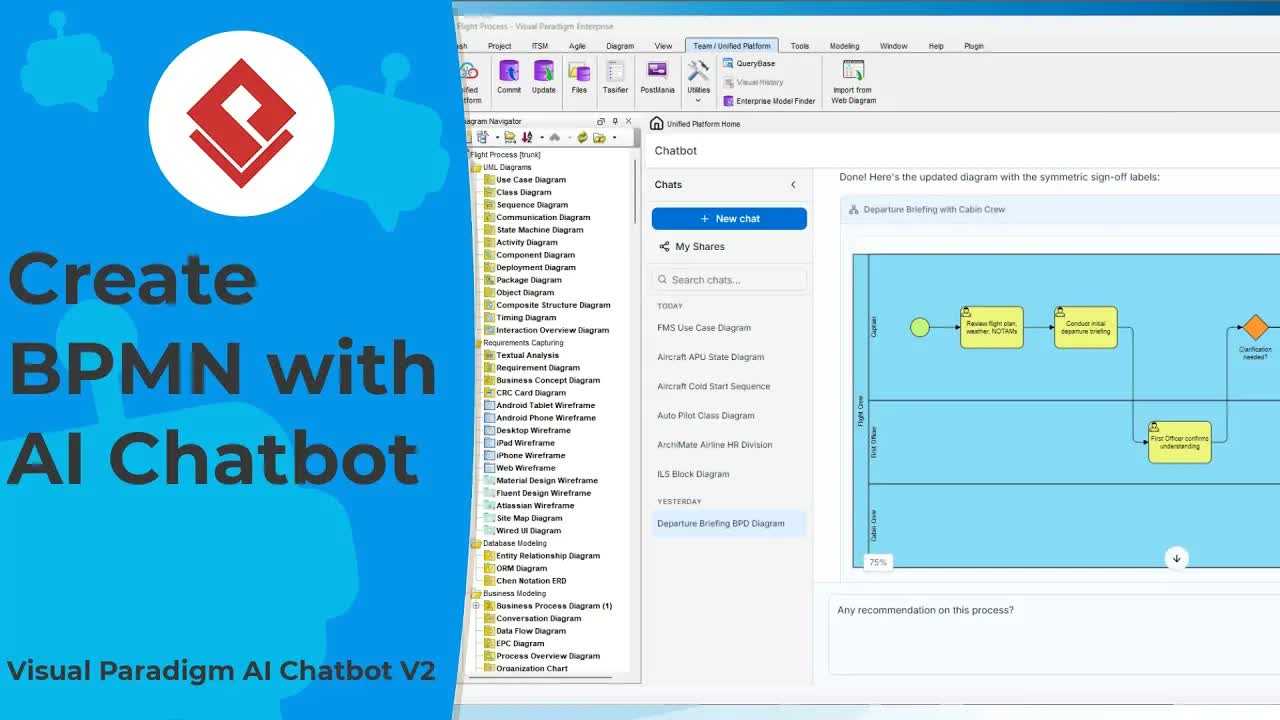
Transitioning from standard syntax editing to AI-assisted modeling begins by importing your raw Mermaid code into the Visual Paradigm Chatbot Studio. Access the Unified Platform within your team navigation workspace and launch the AI Chatbot interface.
When you paste your existing Mermaid class diagram code into the chat window, the AI immediately parses the structure, validates syntax, and renders an interactive visual representation of your architecture. This real-time visualization serves as the baseline for AI-driven refinement and analysis.
2. AI-Powered Architectural Auditing and Fixes
Lightweight diagramming tools frequently allow incomplete or syntactically orphan references to exist without warning. Visual Paradigm Chatbot acts as an automated software architect to detect and repair these structural inconsistencies.
Fixing Missing Domain Classes
Consider a scenario where a Payment class references an attribute named method of type PaymentMethod, but no PaymentMethod class exists within the diagram. By prompting the chatbot to identify and resolve missing structural entities, the AI automatically generates the missing class, establishes appropriate relationship associations, and updates the diagram instantly.
Expanding Class Attributes and Methods
You can dynamically enhance specific classes using natural language commands. For instance, prompting the AI to add a status attribute alongside corresponding accessors to a Driver class results in instant updates to class attributes and operations without requiring manual code rewriting.
Executing Comprehensive Structural Reviews
To ensure your software architecture adheres to industry best practices, ask the chatbot to perform a full system review. The AI evaluates class responsibilities, inheritance hierarchies, and missing associations, offering actionable architectural recommendations. Instructing the chatbot to apply these recommendations converts a basic visual chart into a robust structural model in seconds.
3. Generating Specifications and Publishing to OpenDocs
Comprehensive system architecture requires detailed software documentation. Visual Paradigm simplifies this process by producing formal, structured documentation straight from your refined diagram.
Converting Architecture into Specifications
The chatbot can summarize complex class interactions into executive software summaries and generate full technical specifications. By converting initial output models (such as structured YAML) into standardized Markdown, your specification is immediately ready for team distribution and developer handoff. You can learn more about standard specification structures in our guide to UML class diagram specifications.
Publishing via OpenDocs Pipelines
To publish professional documentation using Visual Paradigm’s OpenDocs:
- Send Diagram to Pipeline: Push the refined diagram from the AI Chatbot directly into the OpenDocs publishing pipeline.
- Create Documentation Page: Open OpenDocs within the Unified Platform, create a full-width page titled Class Specification, and insert your markdown summary paragraph as an introduction.
- Embed Live Visuals and Specs: Select the diagram from the pipeline to embed live visual models, then insert the generated Markdown specification text to complete the document.
4. Advancing to Model-Based Engineering and Code Workflows
Beyond producing static documentation, Visual Paradigm allows you to convert Mermaid diagrams into true model-based software assets.
Importing your chatbot diagram into Visual Paradigm’s full modeling environment upgrades basic geometric shapes into semantically rich UML model elements. This enables enterprise features such as impact analysis, code generation, and team-wide model synchronization.
For developers who prefer a text-first approach, you can seamlessly export your architecture to VPasCode. This enables developers to edit class structures, manage design patterns, and maintain source control using advanced code-driven diagram editing workflows.
Transform Your Diagramming Workflow Today
Ready to move beyond basic diagram visualization? Elevate your software designs, automate complete documentation, and generate enterprise-grade models in minutes using Visual Paradigm AI.
Launch Visual Paradigm Chatbot to transform your Mermaid code into professional software assets today.