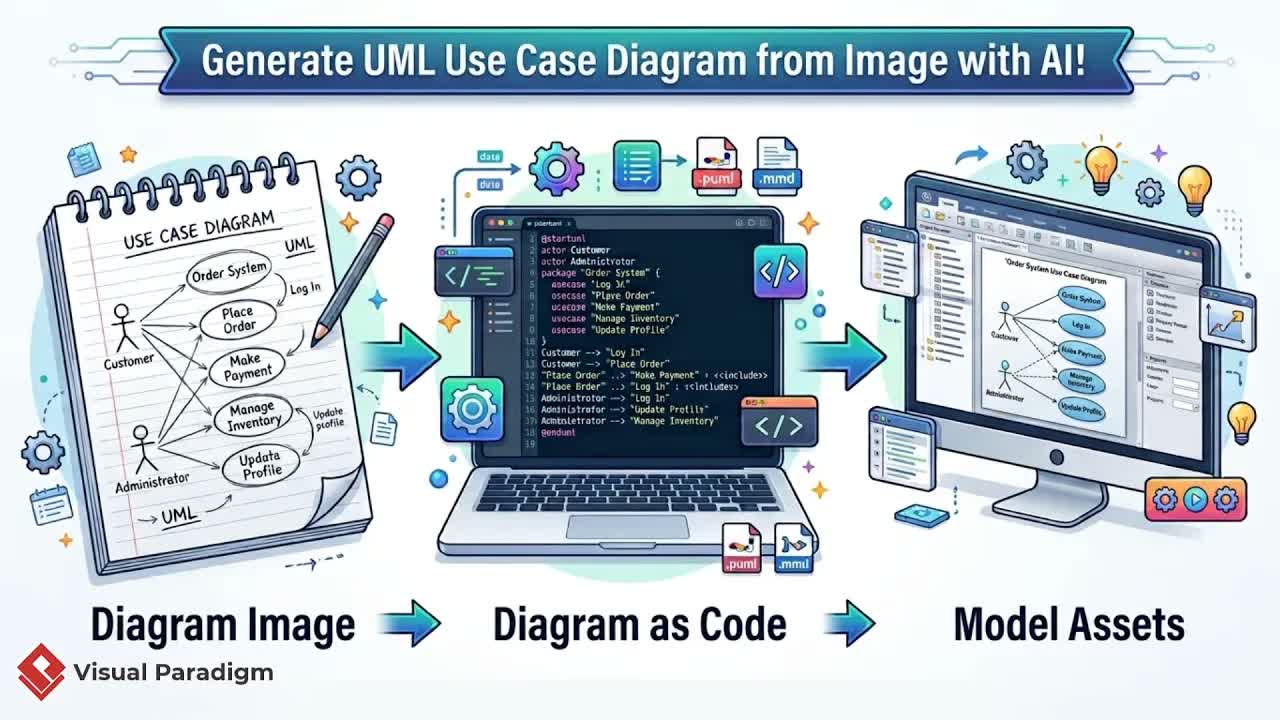
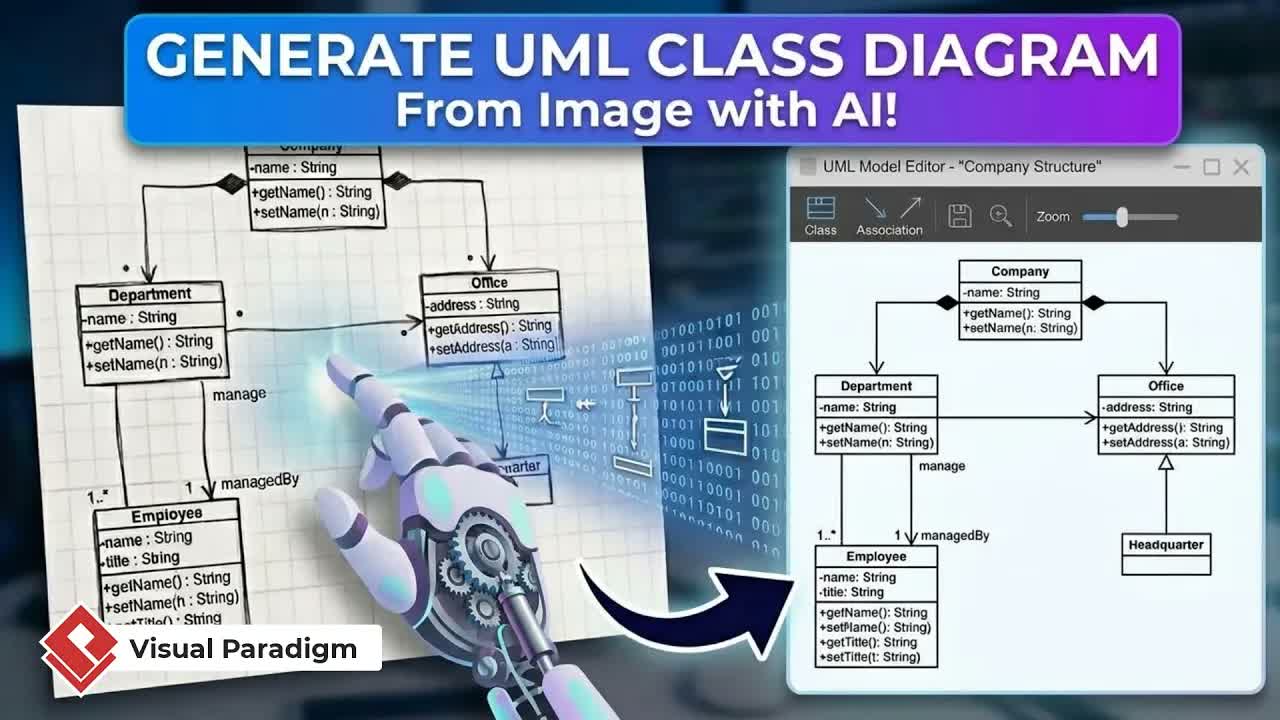
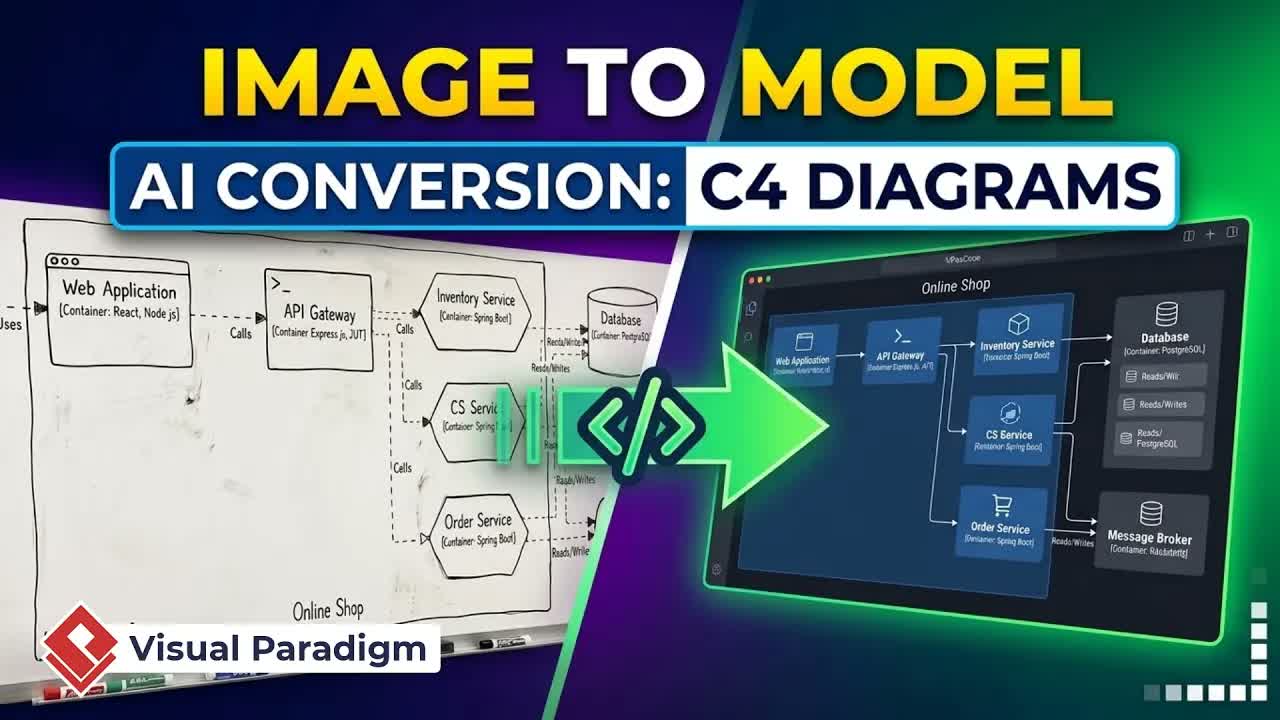
During client meetings and architectural brainstorming sessions, system workflows are often captured as quick paper sketches. However, manually translating a hand-drawn napkin or notepad sketch—such as a plane ticket status lifecycle—into a formal UML model can be slow and repetitive. With modern modeling solutions from Visual Paradigm, software architects and development teams can automate this process instantly.
Using VPasCode, you can leverage generative AI to turn paper sketches into fully editable state machine diagrams, extend diagram logic using text or prompts, and publish models directly into project documentation.
1. Digitizing Hand-Drawn Diagrams with AI
Recreating state diagrams from scratch requires drawing nodes, setting transitions, and formatting layout structures. AI-assisted diagram reconstruction eliminates manual drawing by interpreting image uploads directly.
Handling Background Texture and Paper Artifacts
Sketches drawn on lined paper or non-white backgrounds can present challenges for image perception engines. VPasCode overcomes this by allowing prompt-guided interpretation:
- Open VPasCode: Access the command menu in Visual Paradigm Desktop, navigate to Unified Platform, and select VPasCode.
- Upload and Prompt: Select AI Generate and upload your sketch.
- Provide Context: Add a short query describing the image as a state diagram. Specifically instruct the AI to ignore background paper lines so they are not interpreted as transition arrows or state borders.
The system generates a clean, readable UML state machine diagram alongside its underlying declarative code while retaining the logical sequence of the original drawing.
2. Code-Based Editing and Automated Diagram Extension
Once digitized, state diagrams in VPasCode are non-static and fully interactive. Designers can edit state properties directly or prompt the AI to expand system behavior.
Direct Visual and Code Editing
Modifying elements is seamless. Renaming a state directly in the generated code—for example, changing "book" to "reserved"—instantly updates the canvas diagram in real time.
Expanding Workflows with Generative AI
As business logic evolves, adding new states manually can clutter the diagram layout. You can instruct the AI engine to handle logical extensions automatically:
- Request Complex States: Prompt the AI to incorporate missing logic, such as adding cancellation and refund states.
- Automated Layout & Transition Insertion: The AI automatically inserts new state boxes, formats optimal layout pathways, and connects directional transitions between relevant states.
3. Project Integration and Documentation via OpenDocs
After refining the diagram, you can easily integrate it into your core software engineering assets and project technical manuals.
Importing into Visual Paradigm Desktop
When the model structure is validated, click Import to Visual Paradigm. This action brings the state machine diagram directly into your local software project alongside your class diagrams, sequence flows, and system requirements.
Publishing to OpenDocs Technical Pipelines
Keep technical documentation synchronized with your system models using the built-in documentation workflow:
- In Visual Paradigm Desktop, open the right-side menu and select Send to Pipeline.
- Return to the Unified Platform tab and launch OpenDocs.
- Select your target documentation page, click Insert > Pipeline, and choose your updated chart.
Ready to Modernize Your Software Modeling Workflow?
Eliminate the manual effort of redrawing paper notes and whiteboard diagrams. Experience fast, AI-assisted diagramming and seamless project integration by visiting VPasCode.com today!