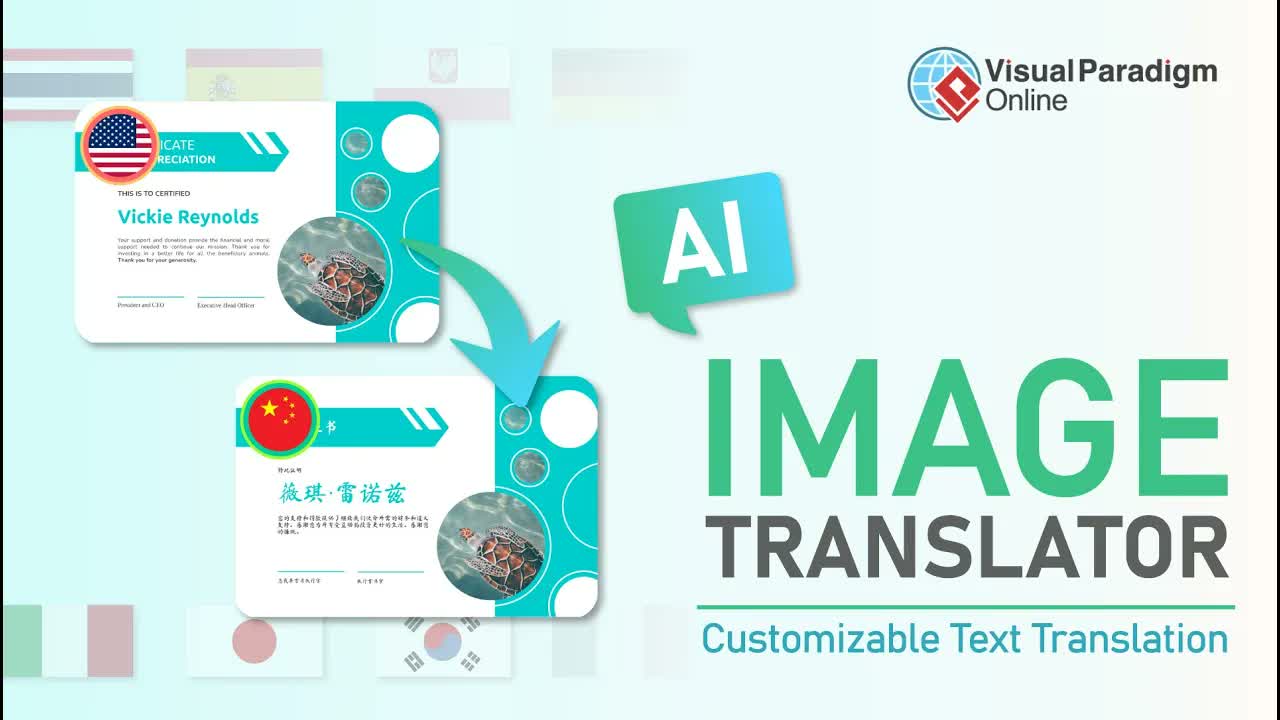
Translating visual assets like diagrams, marketing flyers, and presentation slides often leads to messy design compromises. Standard image translation tools merely paste text over background elements, leaving behind residual text artifacts, broken graphic lines, and awkward font placements that destroy the professional aesthetic of your original visual assets.
The AI Image Translator in Visual Paradigm Online addresses these challenges by offering an end-to-end image translation and design refinement workflow. Supporting translation into over 40 languages, this browser-based tool combines automatic language translation with powerful image touch-up utilities, batch text formatting tools, and flexible layout controls to ensure your localized images blend seamlessly into any target design.
Key Benefits of Multi-Language AI Image Translation
- Broad Language Coverage: Instantly translate diagram labels, marketing graphics, and technical models into over 40 languages.
- Flawless Graphic Cleaning: Erase leftover text remnants and visual artifacts effortlessly using built-in canvas repair tools.
- Unified Visual Layouts: Batch-select text blocks to harmonize fonts, standardize label sizes, and realign titles across complex diagrams.
- Direct Desktop & Cloud Export: Download high-resolution localized visual assets directly to your device for immediate publication.
Core Features of Visual Paradigm Online AI Image Translator
- Draw and Repair Tool: Mask unwanted canvas artifacts or background noise with adjustable brush strokes, then apply instant repairs.
- Multi-Select Text Utilities: Hold control to select multiple text blocks or click “Select All” to apply unified font families and font sizes instantly.
- Set to Same Size Feature: Standardize font sizes across selected text containers with a single click to preserve visual hierarchy.
- Flexible Positioning & Title Editing: Scale, reposition, and re-wrap main titles and sub-elements to fit target bounding boxes cleanly.
Practical Use Cases
- Global Product Localization: Translate marketing assets, product feature diagrams, and infographics for international markets.
- Multilingual System Modeling: Localize technical architecture diagrams, UML schematics, and workflow charts for distributed engineering teams.
- Enterprise Knowledge Base Management: Pair localized visual models with comprehensive documentation utilities like OpenDocs and the OpenDocs Editor.
Step-by-Step Walkthrough: Translating and Refine Your Images
Step 1: Upload Your Image and Select Language
Launch the AI Image Translator, upload your target image directly from your device, select your target language from over 40 supported choices, and click Process to initiate automated translation.
Step 2: Clean Canvas Artifacts using Draw and Repair
If any text remnants or background imperfections remain after automated translation, select the Draw and Repair tool. Adjust the stroke size slider, paint over unwanted canvas areas, and click Repair Mask Area to restore clean background graphics.
Step 3: Standardize Text Sizes and Align Layouts
Hold the Ctrl key on your keyboard to select multiple text blocks, then click Set to Same Size to unify font sizing across selected elements. Click and drag text containers to align and reposition them properly within diagram shapes.
Step 4: Customize Typography and Export
Click Select All to highlight all text blocks on the canvas and choose a new font style that matches your design preferences. Resize and align the main title header for optimal visual balance. When your design is complete, click Export Image to download the localized asset directly to your device.
Explore Next Steps
Transform your visual localization pipeline today with the AI Image Translator in Visual Paradigm Online. To discover our enterprise desktop suite and advanced UML diagramming tools, visit Visual Paradigm or download the desktop edition via Visual Paradigm Download.
For more AI modeling and development capabilities, explore our AI Chatbot Tool, interact directly with our Chatbot, or optimize your software engineering projects using VPasCode and the VPasCode Editor.