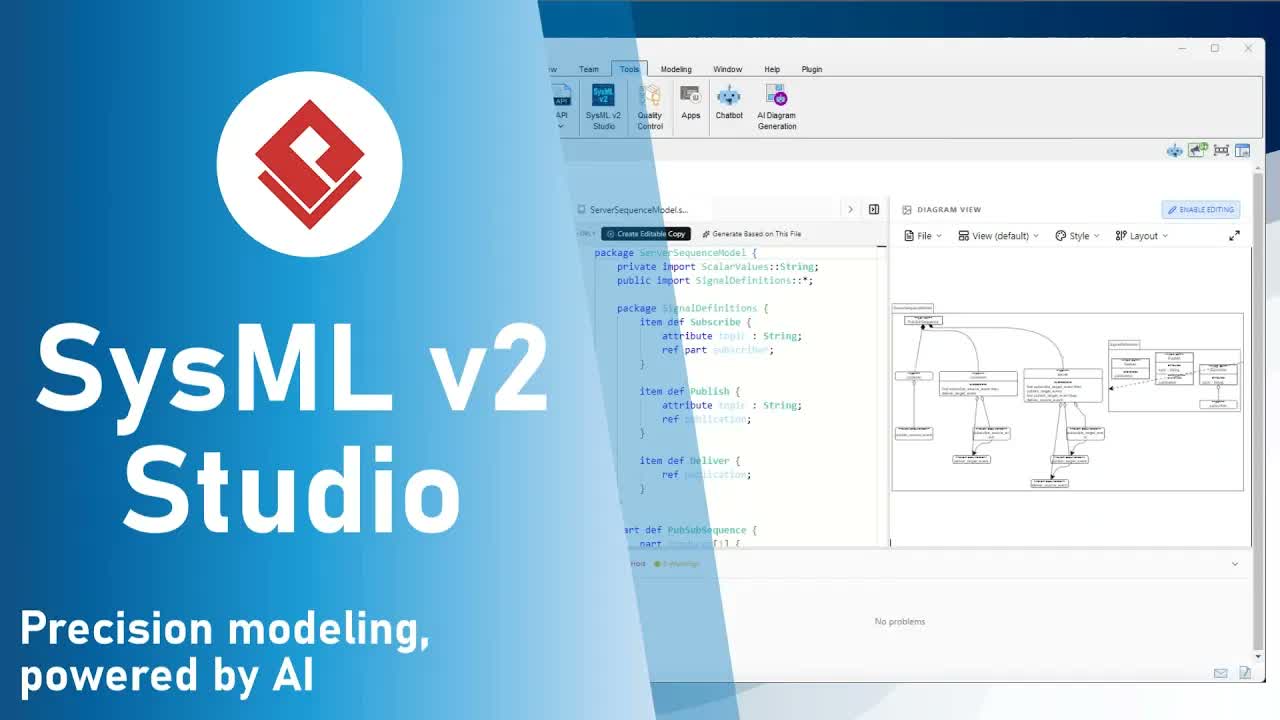
Overview: Overcoming the Challenge of Ghost Errors in SysMLv2
In traditional systems modeling, hidden syntax errors and architectural flaws can compromise system integrity long before deployment. When working with complex textual languages like SysMLv2, systems engineers depend heavily on their Integrated Development Environment (IDE) for real-time validation.
A persistent frustration with legacy SysMLv2 modeling tools is the occurrence of ghost errors—false alarms where valid code is falsely flagged as erroneous. These persistent false positives degrade developer confidence, slow down workflow, and severely hinder the learning curve for teams transitioning to SysMLv2.
Visual Paradigm SysMLv2 Studio solves this problem by bringing professional software development precision to Model-Based Systems Engineering (MBSE). Powered by a custom Language Server Protocol (LSP) implementation strictly aligned with the official SysMLv2 grammar, SysMLv2 Studio provides error feedback you can trust completely.
Core Capabilities of the SysMLv2 Studio Code Editor
1. Strict Grammar Compliance & LSP Engine
Unlike conventional tools that falsely highlight entire files as broken due to inaccurate parsing, SysMLv2 Studio utilizes an enterprise-grade Language Server Protocol (LSP) engine. Every syntax check and relationship validation strictly adheres to the standard SysMLv2 grammar. When a red squiggle appears, you can be 100% certain it represents a genuine syntax mismatch or relationship violation that requires your attention.
2. Centralized Debugging via the Problems Pane
Located at the bottom of your workspace, the Problems Pane acts as your centralized error log:
- Severity Categorization: Distinguishes between critical syntax errors and warnings.
- Detailed Descriptions: Clear, actionable feedback on missing tokens or unexpected inputs.
- Instant Navigation: Click any issue in the log to jump your cursor immediately to the exact line and character position for rapid resolution.
3. Deep Semantic Highlighting & Intelligent Code Completion
SysMLv2 Studio analyzes your structural logic deep within the model to assist you while typing:
- Semantic Color Coding: Visual distinctions make it simple to differentiate between
part,port,requirement, and other modeling elements. - Context-Aware Autocompletion: Real-time suggestions for valid keywords and existing model elements help prevent typos before they occur.
Hands-on Walkthrough: Testing Error Handling in SysMLv2 Studio
Follow these steps to experience how SysMLv2 Studio isolates real syntax issues while guaranteeing zero false positives:
- Create a new file: Open the workspace Navigator and create a file named
demo.sysml. - Add valid element code: Type the following definition into your editor:
part def MyPlatform; - Observe Silent Success: Notice that the editor shows no red squiggles or warnings. In SysMLv2 Studio, valid code remains unflagged—giving you total confidence in your baseline.
- Simulate a syntax error: Delete the trailing semicolon (
;) or misspell thepartkeyword (e.g.,prt def MyPlatform;). - Inspect real-time precision:
- A red squiggle instantly marks the exact location of the missing token or invalid keyword.
- Check the Problems Pane at the bottom of the screen to read the exact error description.
- Click the error entry in the Problems Pane to return directly to the fault location.
Frequently Asked Questions (FAQ)
What are “ghost errors” in SysMLv2 modeling?
Ghost errors are false-positive error flags generated by modeling tools when valid code is incorrectly parsed as broken. They cause confusion, waste debugging time, and undermine confidence in model accuracy.
How does SysMLv2 Studio eliminate false errors?
Visual Paradigm SysMLv2 Studio uses a dedicated Language Server Protocol (LSP) engine tuned precisely to the official SysMLv2 grammar specification, ensuring that only true syntax or semantic violations are flagged.
What does “silent success” mean in SysMLv2 Studio?
“Silent success” means that if your model code is not underlined with an error indicator, you can trust that it is 100% syntactically valid according to the standard.