The Evolution of Systems Modeling: From Manual Coding to AI Collaboration
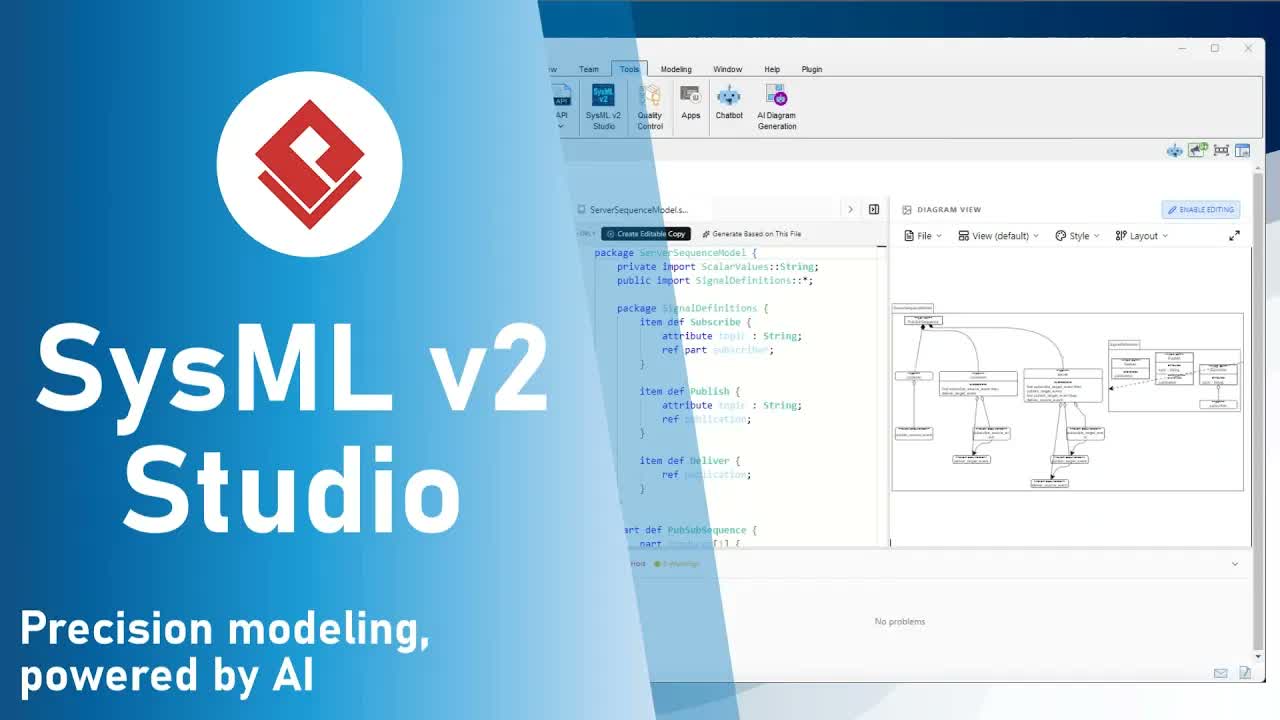
Visual Paradigm SysMLv2 Studio introduces a paradigm shift: AI-Assisted Systems Modeling. By embedding advanced Large Language Models (LLMs) directly into the native SysMLv2 Integrated Development Environment (IDE), architects can translate natural language descriptions into fully compliant, structural SysMLv2 textual code within seconds.
Why Domain-Specific AI Matters in SysMLv2
Unlike generic conversational AI tools, the AI assistant integrated into SysMLv2 Studio is specifically fine-tuned for systems engineering discipline. It natively understands:
- SysMLv2 Standard Semantics: Correct usage of definitions, usages, parts, ports, actions, and items.
- System Relationships & Constraints: Accurate representation of structural hierarchies and parametric constraints.
- Automatic Diagram Rendering: Intelligent selection of the appropriate diagram view based on generated textual models.
By shifting the burden of syntax syntax and boilerplate generation to the AI assistant, engineers can focus entirely on high-level system logic, architecture optimization, and design validation.
Two Primary AI Workflows in SysMLv2 Studio
SysMLv2 Studio provides two core interaction modes designed to support both greenfield design and legacy model adaptation:
1. Direct Code Generation
Ideal for building brand-new system architectures from scratch. Simply provide a high-level prompt—such as requesting an architectural framework for an autonomous drone or a requirement hierarchy for a medical infusion pump. The AI assistant immediately writes the underlying SysMLv2 code and renders the matching graphical visualization.
2. Model Recontextualization (“Generate Based on File”)
The true power of SysMLv2 Studio lies in recontextualization. Instead of asking the AI to guess structural design patterns, you can feed an existing model file to the assistant as a reference. The AI utilizes the open file’s structural integrity, logic, and naming conventions to construct a new model in a completely different domain.
Step-by-Step: Recontextualizing a System Model
Follow these steps to experience how SysMLv2 Studio adapts complex structures across domains while preserving structural rigor:
- Open a Reference Model:
In the Examples Pane, navigate toExamples > Room Model. This loads a detailed, complex textual definition of a room layout into the editor. - Trigger Recontextualization:
At the top toolbar of the code editor, click the “Generate based on this file” button. - Observe Context Switch:
The workspace automatically transitions the left pane to the AI Assistant. Notice that the openRoom Modelfile is automatically populated into the AI’s Context field. - Prompt the AI Assistant:
In the prompt input box, specify how you want to adapt the system while maintaining structural complexity. For example:“Adapt this room model into an assembly hall model.”
- Generate and Preview Code:
Click Generate Code. Watch as the AI assistant streams syntactically valid SysMLv2 code into the preview pane. - Instantly Create and Render:
Click the Create New File option. The newly generated code opens in your main editor, and within milliseconds, SysMLv2 Studio automatically renders the diagram visualization for your new Assembly Hall model, inheriting the structural rigor of the original design.
Key Benefits for Engineering Teams
- Accelerated Iteration: Move from conceptual engineering concepts to visualized system models in seconds.
- Consistency Across Projects: Maintain structural standards by grounding new AI outputs in vetted reference architectures.
- Zero Syntax Friction: Focus on core design constraints and systems relationships without getting bogged down by textual syntax syntax.