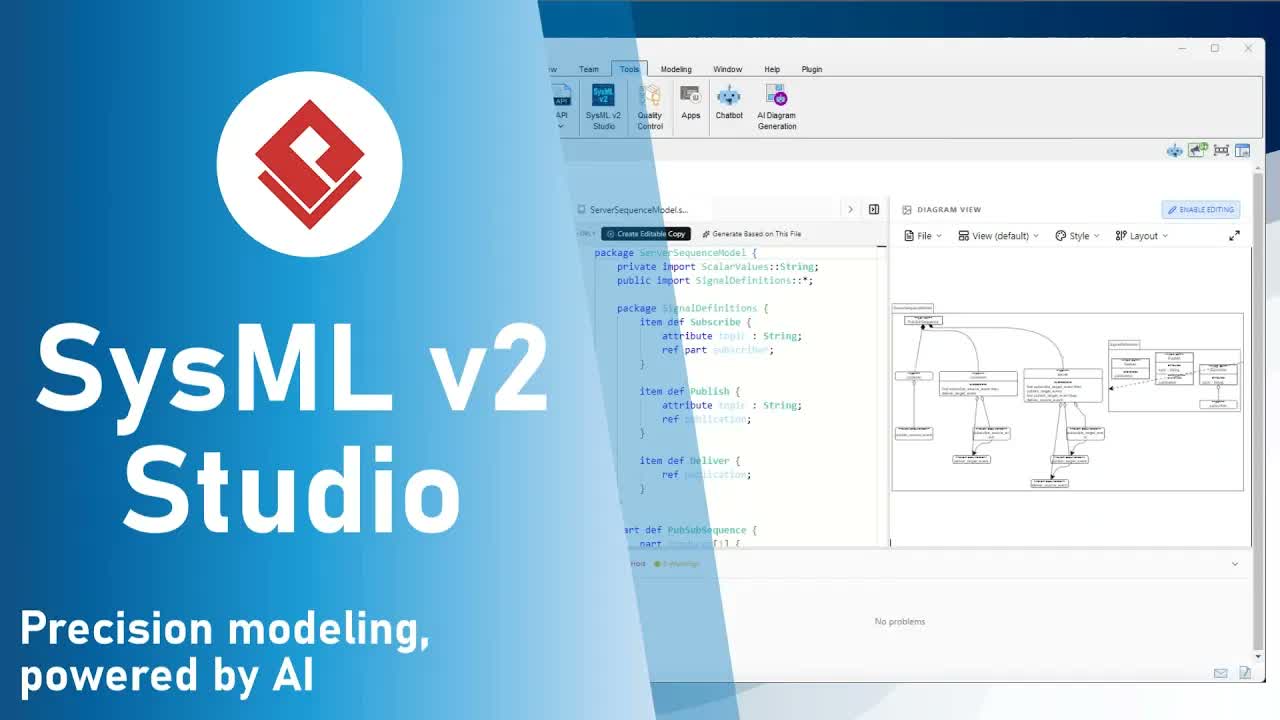
The Evolution of Systems Engineering Analysis
.sysml files, the integrated AI Assistant performs complex analytical tasks in seconds—tasks that previously took days of manual effort.
Core AI Analysis Capabilities in SysMLv2 Studio
Unlike generic AI tools that simply generate code, SysMLv2 Studio features specialized analysis engines designed to interpret your system architecture and produce professional-grade reports:
- Executive Summaries: Generates high-level overviews of system architecture tailored for project managers and non-technical stakeholders.
- Risk and Trade-Off Analysis: Automatically identifies architectural bottlenecks, single points of failure (SPOFs), and conflicting requirements to highlight key engineering focus areas.
- Model Explanations: Provides a step-by-step walkthrough of model logic—ideal for onboarding new team members or preparing for design reviews.
- Requirement Analysis & V&V Plans: Automatically constructs Verification and Validation (V&V) plans directly from constraints and requirements defined in your SysML code.
Integrated Knowledge: The SysMLv2 Encyclopedia
Navigating the extensive SysMLv2 standard shouldn’t require leaving your development environment. SysMLv2 Studio includes an Integrated Learning Center embedded directly within your workspace.
This side-by-side reference offers:
- Contextual documentation aligned with your active project.
- Instant access to SysMLv2 syntax guides.
- Best-practice modeling guidelines to keep your workflow uninterrupted.
Step-by-Step Guide: Generating an AI Analytical Report
Follow these steps to parse your model and generate an automated engineering report in SysMLv2 Studio:
- Open your project file: Select any editable
.sysmlfile in your navigator. Alternatively, load a sample case study (e.g.,examples/analysis_examples/turbojet_stage_analysis.sysml). - Access the AI Assistant: Click the AI Assistant tab located in the left pane of your workspace.
- Select Report Mode: At the top of the AI Assistant window, toggle the view from Diagram to Report.
- Choose Analysis Type: From the dropdown menu, select your desired report type (e.g., Risk and Trade-off Analysis).
- Generate & Export: Click Generate Report. The AI engine will analyze the structural logic of your model and produce a structured document highlighting risks and actionable recommendations.
- Save Output: Export the completed analysis directly as Markdown (
.md) for documentation or distribution.
Conclusion
By combining a modern web-based SysMLv2 IDE with tailored AI analysis and contextual learning tools, Visual Paradigm empowers systems engineers to model faster, reduce design risks, and streamline communication across teams.