Quick Summary: What is SysML v2 Studio?
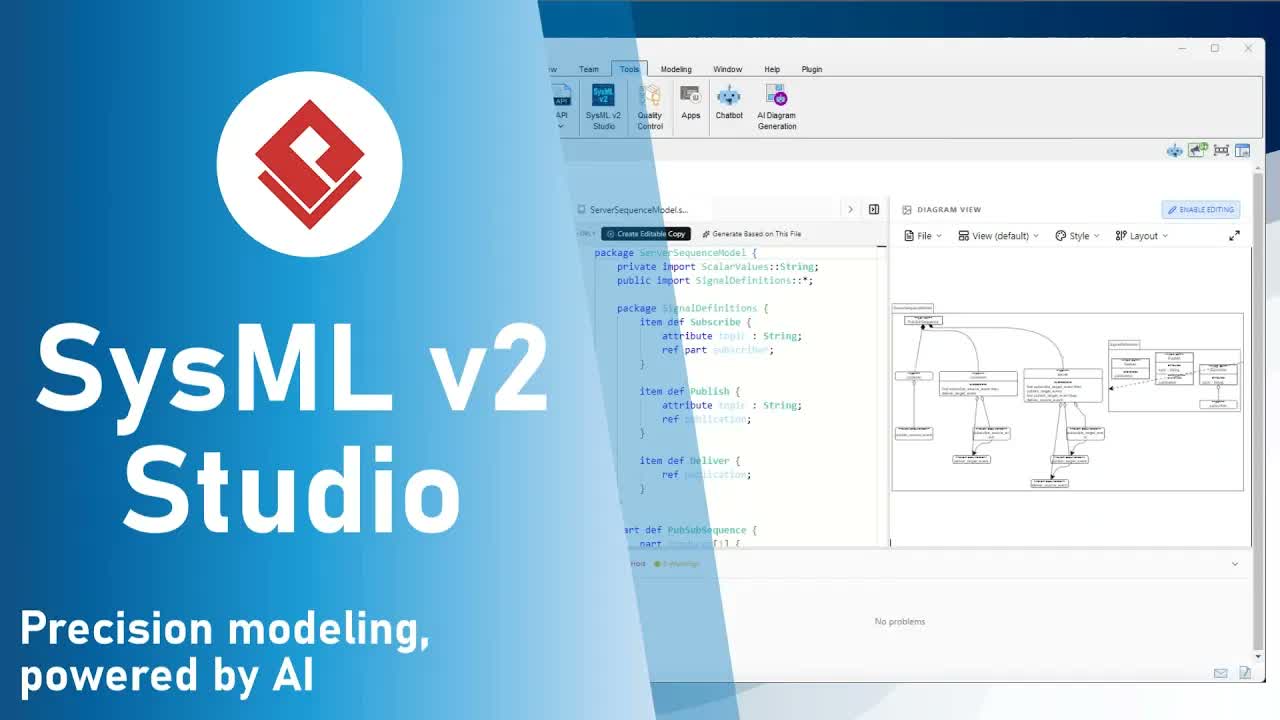
Visual Paradigm SysML v2 Studio is a high-performance, standard-compliant visual modeling environment designed for Model-Based Systems Engineering (MBSE). Unlike traditional static modeling tools, it allows systems engineers to dynamically explore, switch, and refine system architectures across multiple specialized visual lenses—including Structural (Tree), Interconnection, Case/Requirements, and Behavioral views.
The Challenge: Beyond Static Snapshots in Systems Engineering
In many legacy modeling environments, system diagrams serve as nothing more than read-only, static snapshots of the underlying code or model. As systems grow in scale and complexity—often encompassing hundreds of interconnected components—static images become inadequate. Modern systems engineers require an interactive, dynamic visualization engine that enables them to analyze structural, functional, and behavioral aspects of a system seamlessly.
4 Essential Architectural Lenses in SysML v2 Studio
SysML v2 Studio empowers engineers to view complex system models through dedicated architectural lenses tailored to specific engineering tasks:
- 1. Default / Tree View (Structural Decomposition)Focuses on component hierarchy, containment, and structural breakdown of the system model.
- 2. Interconnection View (Functional Wiring Diagram)Visualizes how subsystems, ports, and interfaces connect and communicate, acting as an interactive functional wiring diagram.
- 3. Case View (Requirements & Traceability)Dedicated to mapping use cases and requirements to design elements, ensuring end-to-end system traceability.
- 4. Behavioral Views (Logic & Time Flow)Includes State, Action, and Sequence views to illustrate how system logic, control flow, and messages evolve over time.
Hands-on Tutorial: Switching Architectural Views
Follow these simple steps to experience interactive SysML v2 visualization in Visual Paradigm SysML v2 Studio:
- Open the Workspace Examples: Navigate to the Examples Pane inside SysML v2 Studio.
- Load the Sample Model: Open the file named
training 009 parts 04.datacenter_server_rack.sysml.
- Switch Perspective: Locate the View drop-down menu situated at the top of the diagram pane.
- Select Interconnection View: Choose Interconnection View to instantly transform the architectural model into a clear, functional wiring diagram showing how datacenter subsystems interact.
Frequently Asked Questions
Why is SysML v2 interactive visualization necessary for MBSE?
Interactive visualization allows systems engineers to explore structural relationships, simulate behavior, and verify interconnectivity dynamically without manually parsing thousands of lines of SysML code or static diagram images.
Is Visual Paradigm SysML v2 Studio fully compliant with the SysML v2 standard?
Yes, Visual Paradigm SysML v2 Studio features a high-performance visualization engine built to be fully compliant with the official OMG SysML v2 specification.