Mermaid diagrams are a fast, lightweight way to map out structures using plain text, but they often lack the depth required for enterprise documentation. What if you could convert a basic text-based chart into a fully specified, professional organizational model in just minutes?
With Visual Paradigm, AI does much more than simply render diagram syntax. By combining AI-driven analysis, automated documentation, and seamless publishing tools like OpenDocs, you can transform simple Mermaid code into rich, model-based enterprise assets.
Step 1: Import and Expand Mermaid Diagrams with Natural Language
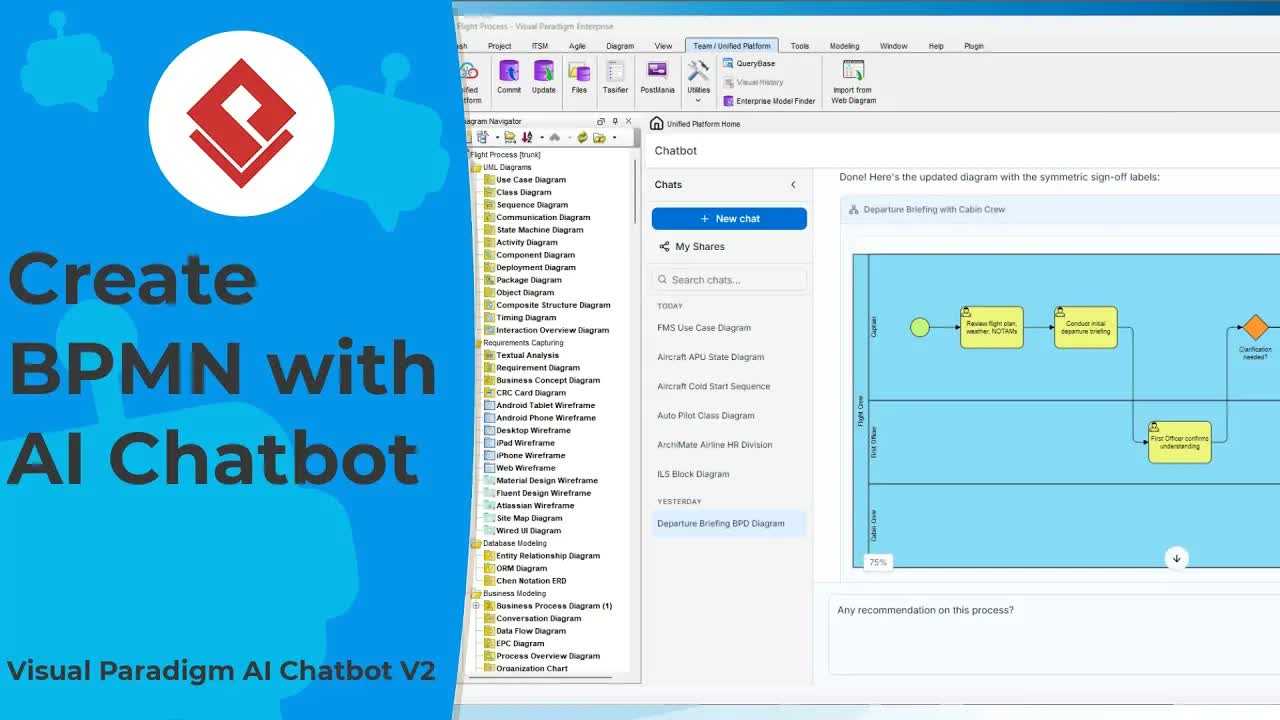
The workflow begins in the Visual Paradigm AI Chatbot workspace. Instead of manually editing syntax or redrawing shapes, you simply paste your existing Mermaid organizational chart code directly into the chat interface.
The AI instantly parses the code structure and renders the diagram visually. From there, you can iteratively evolve the hierarchy using standard conversational prompts:
- Add New Positions: Request additions such as an Operations Manager to oversee dispatch, fleet maintenance, and drivers.
- Expand Leadership Departments: Prompt the AI to introduce distinct leadership roles for sales, finance, customer service, and administration.
Changes render in real time, allowing you to rapidly scale a simple visual into a detailed organizational network.
Step 2: AI Structural Verification and Optimization
A great organizational chart is more than just clean layout—it requires sound governance and logical reporting lines. Once your initial structure is rendered, you can leverage AI verification to critique the architecture.
When prompted to analyze the organizational chart, the chatbot evaluates span-of-control, reporting gaps, and operational efficiency. It can identify key structural opportunities—such as missing oversight or redundant reporting lines—and automatically apply recommendations across the entire model upon your request.
Step 3: Generate Role Specifications and Executive Summaries
Once the visual chart is finalized, the chatbot helps build the underlying textual documentation:
- Organizational Summary: Ask the AI to generate a concise high-level overview suitable for executive presentations.
- Full Role Specification: Request a complete organizational breakdown. The AI produces detailed role descriptions, explicit reporting lines, and operational responsibilities for every position in the structure.
Step 4: Build Professional Documentation with OpenDocs
To deliver a polished specification to stakeholders, integrate your visual diagrams with written specs inside OpenDocs:
First, send the generated diagram to Pipeline so it becomes available across the ecosystem. Next, create a new document page in OpenDocs (e.g., “Organizational Structure”) and switch to full-width view for optimal diagram presentation.
Assemble the final document using Markdown and Pipeline integration:
- Insert the executive summary at the top using standard Markdown tools.
- Select Insert > Pipeline to embed the live organizational chart directly onto the page.
- Paste the detailed role specifications and reporting lines directly below the chart.
Step 5: Advanced Modeling Workflows and Code-Based Refinement
Diagrams created through this workflow are not static images—they become true model assets within the unified platform environment:
- Full Enterprise Modeling: Import the chart via Pipeline into Visual Paradigm’s desktop modeling environment for advanced architectural modeling.
- Code-First Development: Submit your visual assets to VPasCode to continue development inside an advanced text-based code editor.
Ready to Upgrade Your Diagramming Workflow?
Transforming text-based diagrams into production-ready specifications no longer requires hours of manual drafting. Experience how AI-assisted visual modeling, automatic spec generation, and dynamic publishing can elevate your architectural documentation.
Launch the Visual Paradigm AI Studio today and build your first AI-enhanced organizational model in minutes.