Designing comprehensive system architectures requires precision, clarity, and time. Use case diagrams serve as a foundational blueprint in software engineering and business analysis, illustrating the interactions between system users and key features. However, manually mapping every actor, relationship, and sub-process can be time-consuming and prone to omissions.
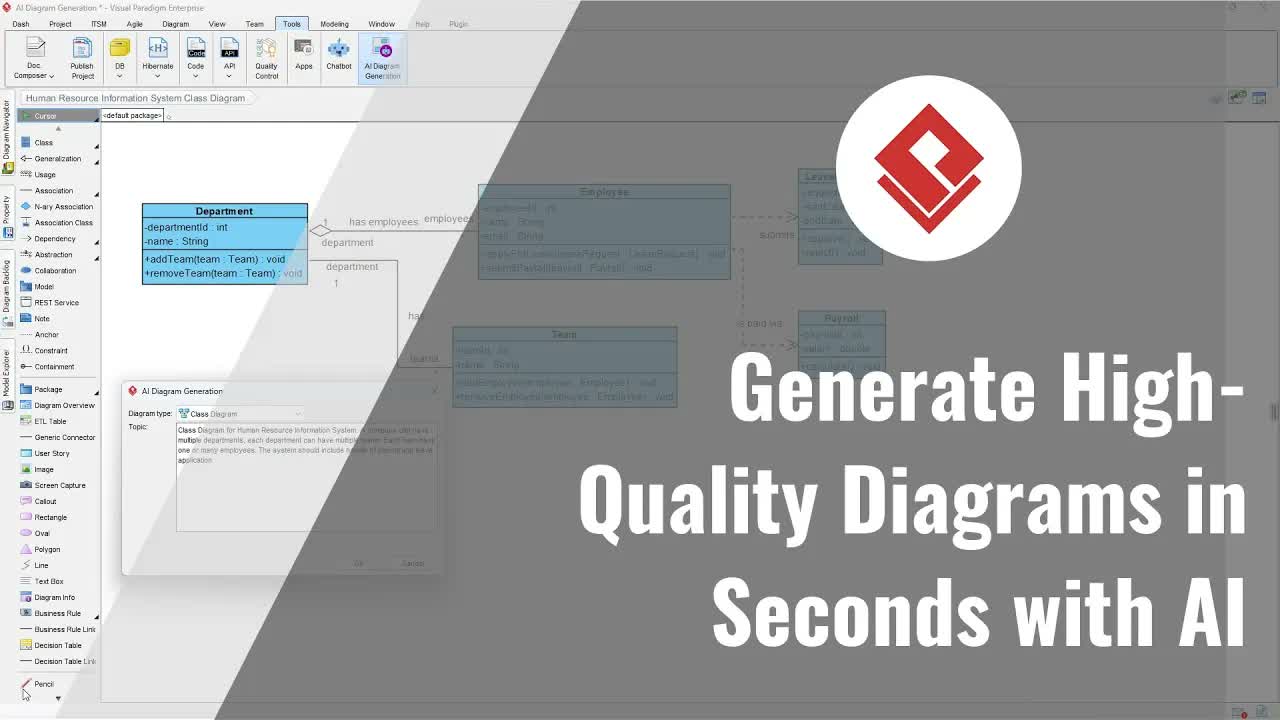
Visual Paradigm addresses this challenge by integrating artificial intelligence into the diagramming workflow. The AI-Powered Use Case Diagram Refinement Tool automatically builds initial visual models from high-level domain descriptions and intelligently expands them with advanced relationship logic. This guide demonstrates how to leverage AI to generate, refine, and edit use case diagrams across both cloud and desktop environments.
Key Benefits of AI-Driven Use Case Modeling
Incorporating artificial intelligence into system modeling helps bridge the gap between initial requirements gathering and formal technical documentation:
- Rapid Conceptualization: Transform simple text prompts or business requirement outlines into structured UML diagrams in seconds.
- Iterative Requirement Refinement: Easily introduce new features or changes to domain descriptions without manually rebuilding models.
- Intelligent Relationship Mapping: Automatically discover and map complex UML relationships, such as
<<include>> and <<extend>> associations.
- Cross-Platform Continuity: Seamlessly transition generated diagrams from web-based editing to enterprise desktop software for deep architectural modeling.
Step-by-Step Guide: Generating and Refining Use Case Diagrams
Step 1: Access the AI Tool
To begin, navigate to the tools application section within your workspace. Search for the Use Case Diagram Refinement Tool and select Start Now to launch the interface.
Step 2: Generate the Baseline Diagram
Provide an initial domain description that outlines the core scope of your system. For example, enter “Cinema online ticketing system” into the domain input field and click the Generate Diagram button. The system will synthesize your text and construct a baseline use case diagram showing core actors and primary use cases.
Step 3: Update and Expand Domain Requirements
If you need to incorporate additional scope or newly discovered business logic, modify the domain description directly. For instance, add a requirement such as “include setup promotion campaign” to the text box and click Generate Diagram again. The visual model will instantly update to include the new use case elements.
Step 4: Refine the Diagram Using AI
To convert high-level use cases into detailed UML models, click the Refine Diagram with AI button. The AI engine analyzes the functional requirements and enriches the model by introducing nuanced structural relationships—automatically identifying dependent workflows via <<include>> and conditional features via <<extend>> relationships.
Step 5: Export to Cloud and Desktop Applications
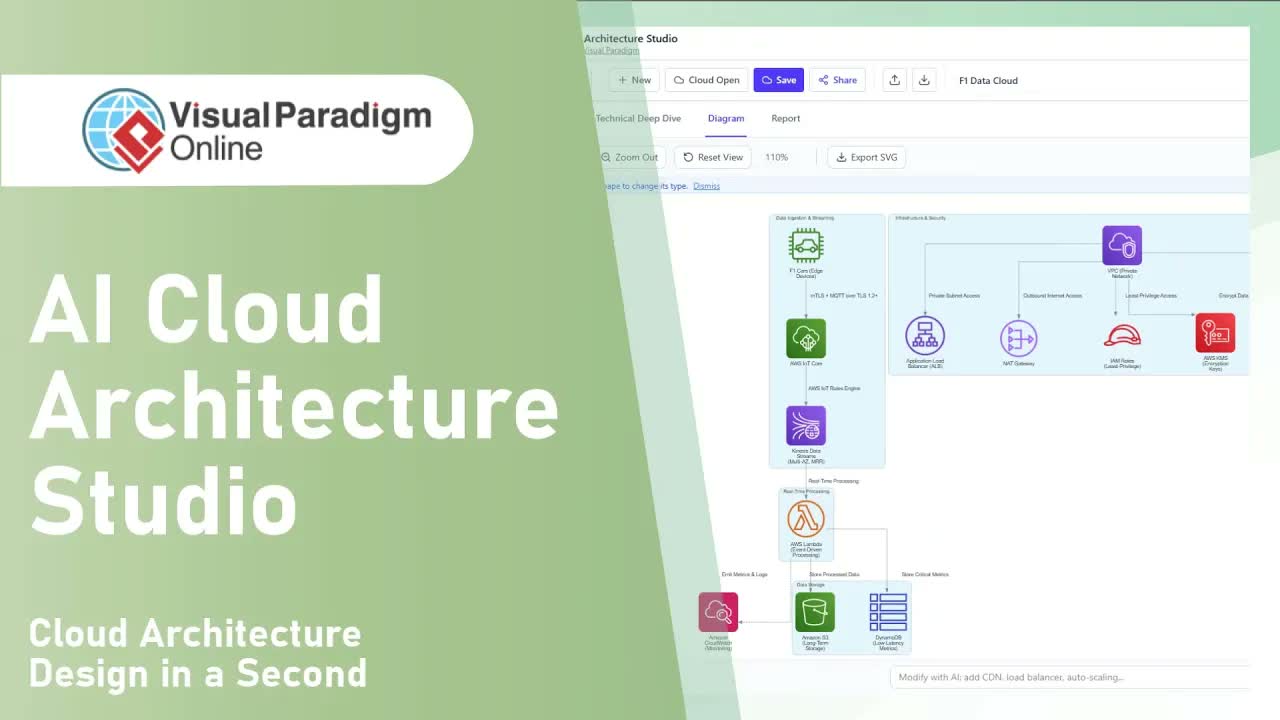
Once the diagram meets your requirements, click Open in VP Online to open the model inside Visual Paradigm Online for further web editing. To save your progress, navigate to File > Save As in the online editor.
For teams requiring local file storage or complex enterprise modeling tools, open the desktop application and navigate to Team > Import from Web Diagram. Select the diagram saved from your cloud workspace and click Import to convert it directly into a native desktop project format for advanced customization.
Practical Use Cases
- Agile Requirement Gathering: Quickly convert user stories and product backlog items into visual diagrams during sprint planning sessions.
- Enterprise Architecture: Standardize system boundaries and system-actor interactions across multi-disciplinary engineering teams.
- Client Proposals: Generate visual models on the fly during discovery calls to validate scope with stakeholders.
Elevate Your System Design Workflow
Accelerate your software documentation process with smart modeling tools. Experience seamless transitions from AI-assisted draft generation to full desktop modeling.
Explore tools or start modeling today: