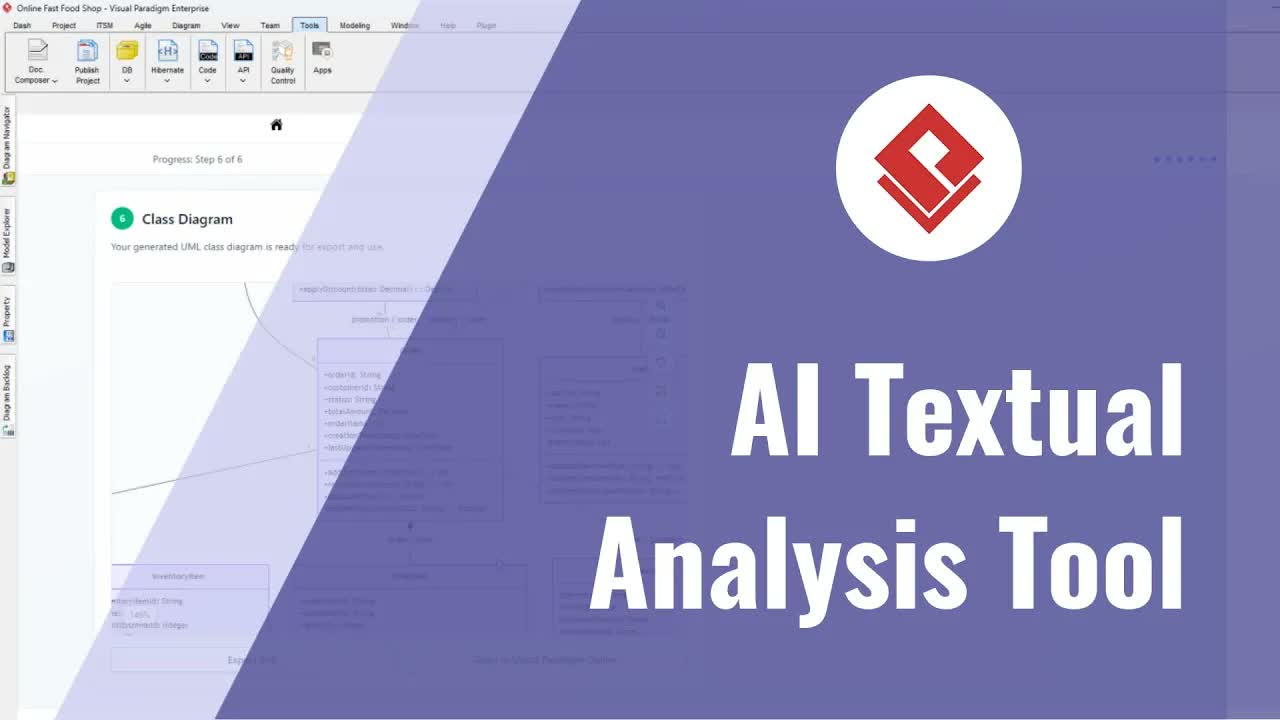
Understanding how software applications are deployed across real-world infrastructure is essential for software architecture, cloud engineering, and DevOps practices. While logical architecture diagrams show system components, seeing physical servers, container environments, deployment nodes, and networking boundaries requires dedicated deployment views. The C4 Deployment Diagram provides this clarity by mapping out how containers and systems execute within actual execution environments.
With Visual Paradigm, teams can automate infrastructure visualization without building shapes manually. By using artificial intelligence, you can transform plain text prompts into precise, professional deployment architectural views instantly.
What is a C4 Deployment Diagram?
Part of the C4 model framework, a C4 Deployment Diagram illustrates the physical or virtual infrastructure on which software containers execute. It maps out deployment nodes—such as cloud services, bare-metal servers, container orchestrators, and database clusters—along with the network protocols connecting them. This provides architects, systems engineers, and DevOps professionals with a clear picture of production setups, staging environments, and hybrid cloud topologies.
Key Benefits of AI-Generated Deployment Diagrams
- Instant Infrastructure Mapping: Turn plain language descriptions of servers, cloud environments, and databases into clean visual layouts in seconds.
- Clear DevOps and Architecture Communication: Bridge technical alignment between cloud engineers, software architects, and infrastructure teams during architecture reviews.
- Up-to-Date Architecture Documentation: Keep infrastructure documentation current across rapid deployment cycles by updating diagrams directly from textual prompts.
- Standardized Infrastructure Views: Maintain consistent diagramming conventions across cloud environments, microservices infrastructure, and enterprise system designs.
Common Practical Use Cases
- Cloud Hybrid Infrastructures: Visualize how on-premises enterprise systems interface with cloud services hosted on AWS, Azure, or Google Cloud.
- Container Orchestration Systems: Map out Kubernetes clusters, pods, ingress controllers, and external database service dependencies.
- Multi-Region Production Environments: Illustrate load balancers, CDN distributions, regional failover clusters, and database replication links.
Step-by-Step Guide: Creating C4 Deployment Diagrams from Text Prompts
- Outline Your Deployment Setup: Write a concise narrative describing your servers, cloud services, containers, and network communication links.
- Open the AI Diagram Tool: Access the AI generation feature inside the Visual Paradigm Download desktop application.
- Input Your Text Description: Paste your infrastructure scenario into the AI prompt window. Include key deployment details such as node names, environments, and protocols.
- Generate the Diagram: Let the AI process your description to build structured deployment nodes, container mappings, and interconnecting lines automatically.
- Review and Finalize: Adjust visual formatting, verify infrastructure details, and integrate the final dynamic view into your project documentation hub.
Simplify Infrastructure & Deployment Design
Streamline your cloud architecture reviews and elevate system documentation effortlessly. Design web diagrams in your browser using Visual Paradigm Online, manage comprehensive project specifications with the OpenDocs Editor, or explore automated assistance via the AI Chatbot Tool to scale your team’s productivity today.