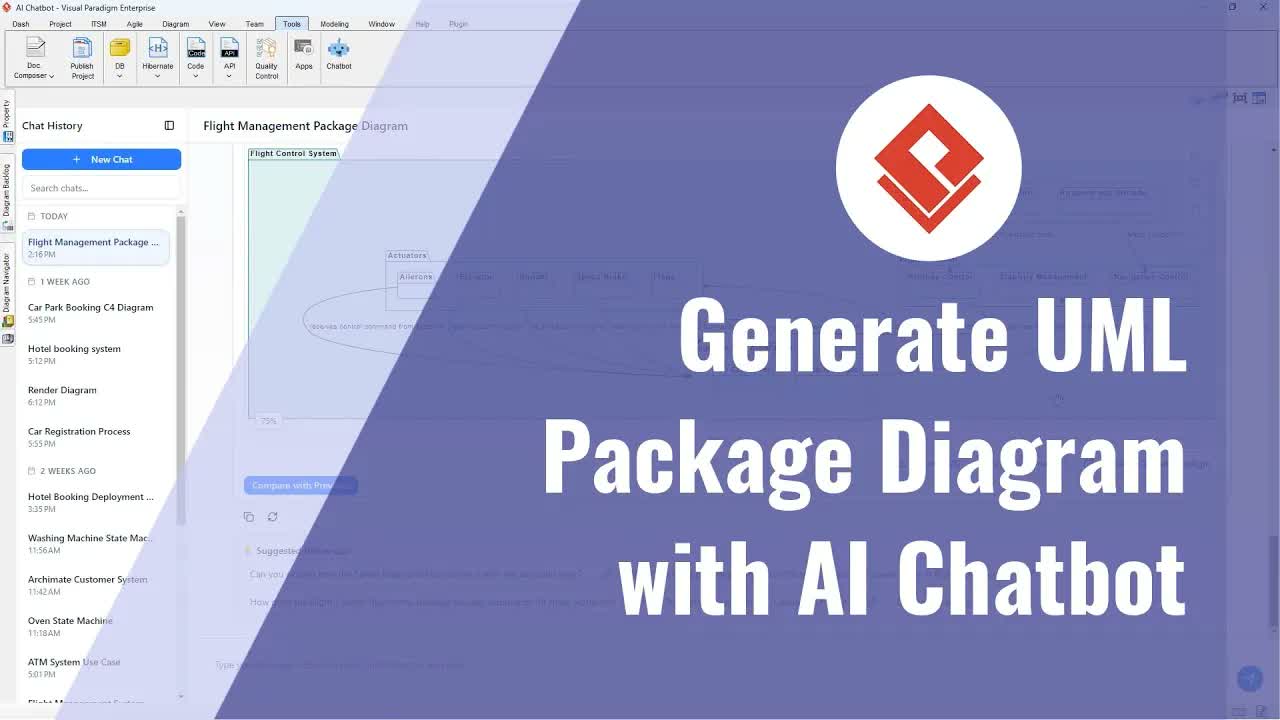
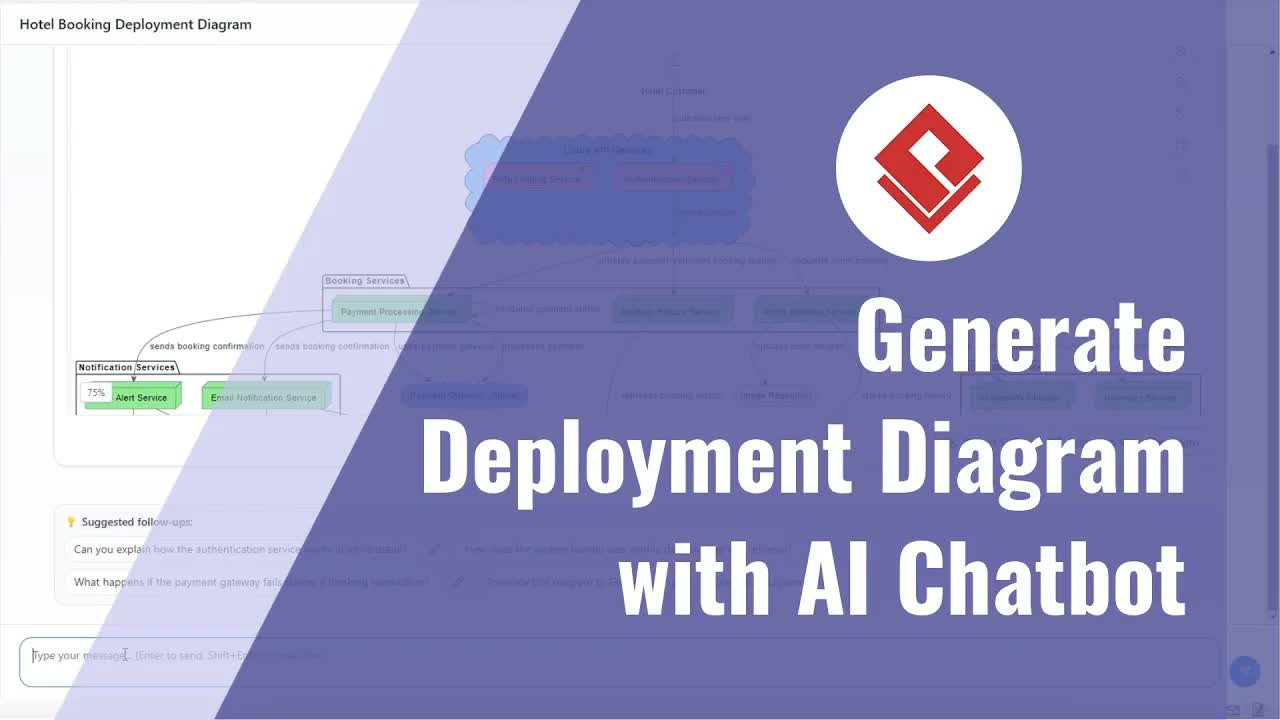
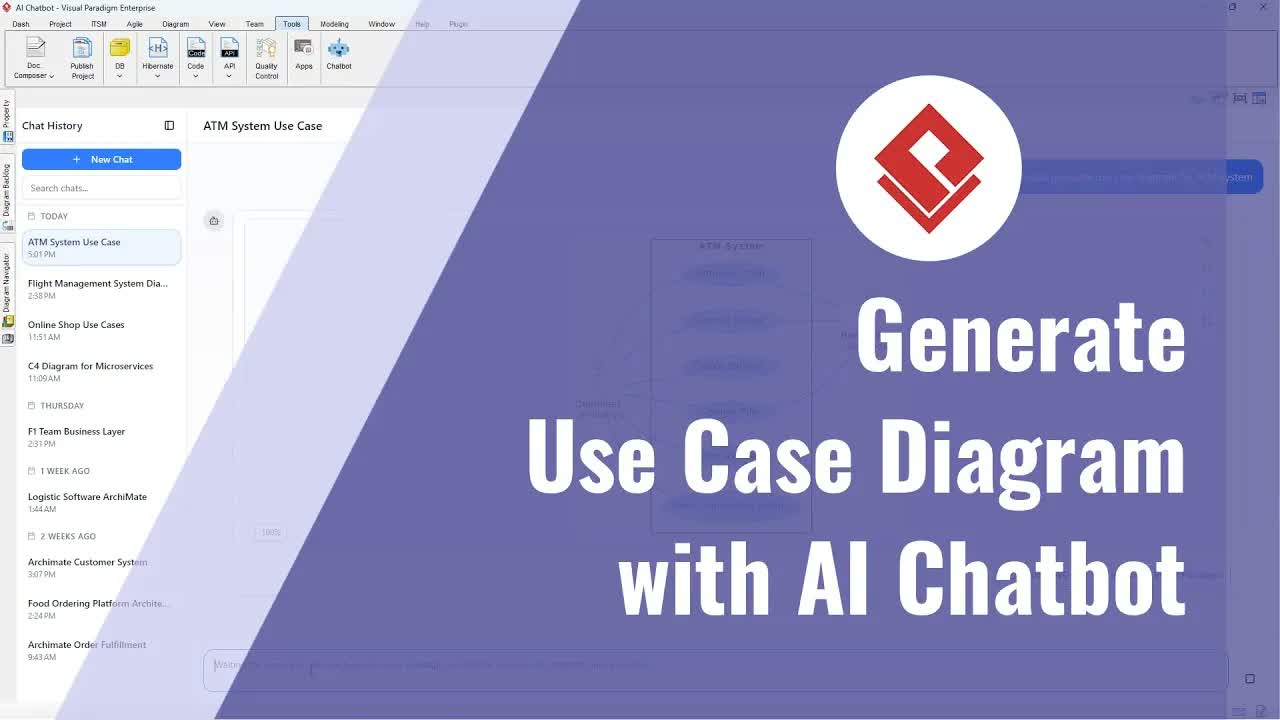
Visualizing software architecture through the C4 model helps developers, software architects, and engineering teams clearly communicate system boundaries, component relationships, and internal structure. Designing C4 Component Diagrams manually can take hours of painstaking layout work. With the AI Chatbot Tool in Visual Paradigm, software professionals can instantly convert natural language instructions into clear, professional-grade C4 component models.
This comprehensive guide details how to launch the AI diagramming assistant, prompt it to build application structures, perform conversational updates, and import the finalized architectural diagrams into desktop modeling projects.
Key Features of AI-Driven C4 Component Diagramming
Using artificial intelligence to build C4 component models streamlines software design and architectural documentation:
- Automated C4 Generation: Generate multi-tier component layouts directly from natural language process prompts.
- Interactive Model Editing: Remove redundant services, rename confusing components, and re-establish missing architectural connections using simple conversational instructions.
- Expanded Canvas Mode: Toggle full-screen view modes to review complex system architectures easily.
- Model-Based Desktop Integration: Ingest AI-generated diagrams directly into desktop projects for enterprise-level architectural mapping and documentation.
Step-by-Step Guide: Creating and Refining C4 Component Diagrams
Step 1: Launch the AI Chatbot Interface
Open your application workspace and navigate to the top toolbar menu. Select Tools and click Chatbot to launch the interactive prompt window.
Step 2: Prompt the AI to Generate a C4 Component Diagram
Enter a prompt describing your software system requirements. For example, request a component diagram for a car park booking system. The chatbot processes the request and automatically renders an initial C4 component diagram showing the primary services, databases, and external interactions. To inspect the generated architecture in detail, click the Full Screen button.
Step 3: Remove Redundant Components
Review the generated architecture for superfluous elements. If an element is unnecessary—such as a separate user profile service when user data is already managed by the central parking database—prompt the AI assistant to remove it directly. The chatbot regenerates the visual structure without the redundant node.
Step 4: Rename and Reframe Ambiguous Architectural Elements
Ensure component naming is precise and unambiguous. If an element name seems unclear or confusing (such as labeling a display component as a “traffic light control system”), instruct the assistant to rename it (e.g., change it to “vacancy indicator system”). The chatbot updates the element label while retaining system context.
Step 5: Fix Component Connections and Flow Logic
Check that all components are correctly wired into the system architecture. If an updated component appears disconnected from the rest of the layout, ask the chatbot to fix the missing connections. The AI automatically routes relationship links to restore proper data flow throughout the model.
Step 6: Import into Visual Paradigm Desktop
When the architectural layout meets your system specifications, click Import to Visual Paradigm Desktop. The C4 component model will be imported into your current desktop project, allowing you to link model elements, generate technical specifications, or publish structured documentation.
Practical Use Cases
- Software Architecture Design: Quickly map out microservice components, data repositories, and API boundaries before starting development.
- Technical Documentation: Maintain living architecture documentation inside centralized repositories using OpenDocs and the OpenDocs Editor.
- System Onboarding: Generate visual component maps to help new developers understand backend workflows and service dependencies rapidly.
Streamline Software Architecture Today
Accelerate your system design and component modeling workflows with modern tools from Visual Paradigm.