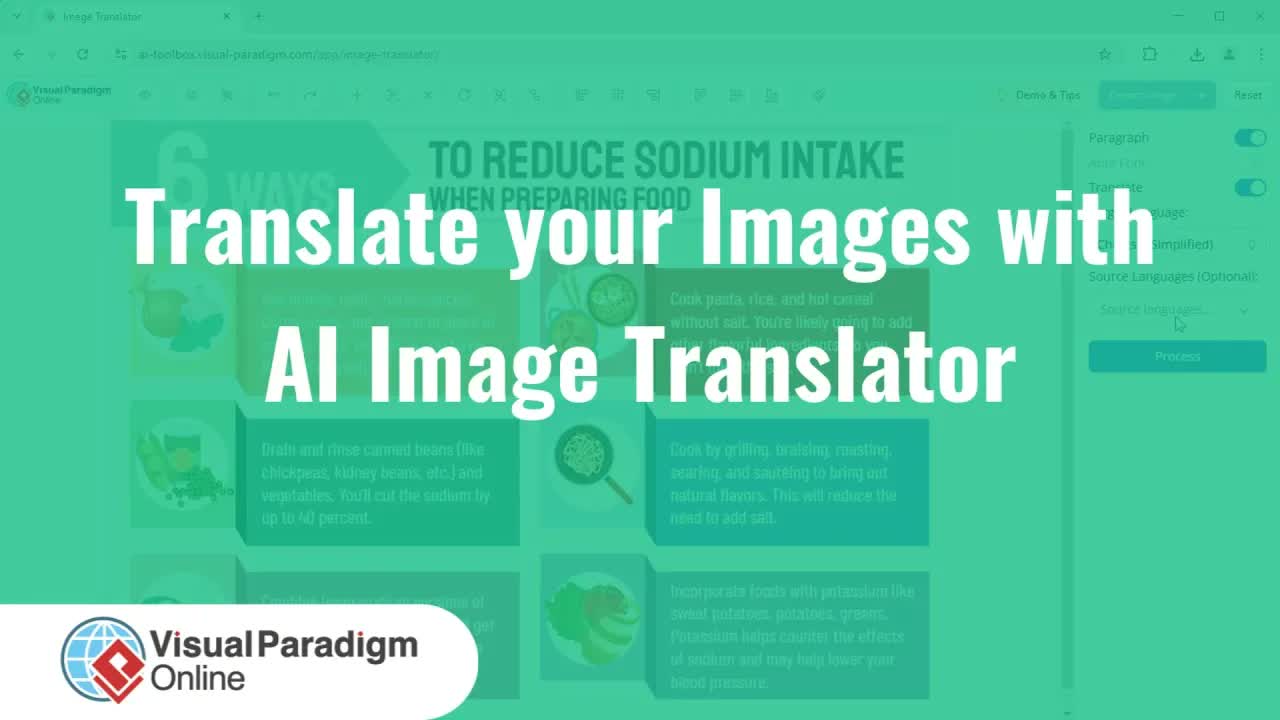
Translating diagrams, infographics, and technical models into multiple languages often results in compromised visual layouts, misaligned text boxes, or degraded background graphics. Basic automated translation tools replace text without providing fine-grained editing capabilities, leaving users with unpolished visuals that fail to meet professional presentation standards.
The AI Image Translator in Visual Paradigm Online goes beyond basic text translation by providing complete design control over translated visual assets. In addition to high-accuracy multi-language translation, this browser-based tool offers advanced image restoration, canvas touch-up utilities, and extensive text styling tools to ensure your localized diagrams remain visually stunning and brand-aligned.
Key Benefits of Advanced Image Translation & Customization
- Complete Canvas Control: Edit translated text content, font family, color palette, font size, and spatial alignment with complete freedom.
- Precision Image Restoration: Effortlessly restore original background details and diagram borders impacted during the automated translation process.
- Brand & Color Consistency: Sample exact color tones directly from canvas elements using integrated color picker utilities.
- Professional Output Quality: Clean up visual artifacts and export high-resolution localized assets ready for enterprise documentation.
Core Features of Visual Paradigm Online AI Image Translator
- Rub to Reveal Tool: Brush over modified canvas areas to selectively restore original graphic borders, lines, and background details.
- Draw and Repair Utility: Erase unwanted background noise, stray pixels, or translation artifacts directly on the canvas.
- Color Picker & Tone Sampling: Match translated text color directly to existing diagram shapes or brand palettes.
- Batch Text Formatting: Select all translated text elements simultaneously to apply unified font families, sizes, and alignment rules.
Practical Use Cases
- Multilingual System Diagrams: Localize technical UML models, Use Case diagrams, and software architectural schematics for global development teams.
- International Marketing & Sales Assets: Adapt promotional flyers, infographics, and presentation slides into target languages while enhancing visual impact.
- Global Project Documentation: Pair translated system assets with comprehensive documentation tools like OpenDocs and the OpenDocs Editor to build multilingual knowledge bases.
Step-by-Step Walkthrough: Customizing and Repairing Translated Images
Step 1: Translate Your Image Asset
Launch the AI Image Translator, choose your target language, and select or upload your diagram (such as a Use Case diagram). Click Process to generate the initial translation.
Step 2: Unify Text Styles and Alignment
Click Select All to highlight all translated text elements. Change the font family and use the Set to Same Size utility to unify text sizes across the canvas. Click and drag text blocks to ensure they are properly centered within diagram shapes.
Step 3: Restore Canvas Lines and Repair Artifacts
To repair original borders affected during translation, click Rub to Reveal, adjust the brush stroke size, and drag over line boundaries to reveal original vector details. Next, select the Draw and Repair tool to paint over and remove any unwanted background dots or artifacts.
Step 4: Enhance Text Color and Styling
Select main titles or key labels, increase their font size, and apply bold formatting. Open the text color menu, select the color picker tool, sample exact tones directly from diagram shapes, and adjust color intensity to create a unified visual aesthetic.
Step 5: Export High-Quality Output
Once all layout repairs and typography adjustments are complete, click Export Image to download your fully translated, polished visual asset to your device.
Explore Next Steps
Elevate your visual localization workflow today with Visual Paradigm Online. To explore enterprise software modeling suites, download Visual Paradigm Download or visit Visual Paradigm for comprehensive system architecture tools.
For additional developer resources, explore our AI Chatbot Tool, interact via Chatbot, or optimize your code-based modeling with VPasCode and the VPasCode Editor.