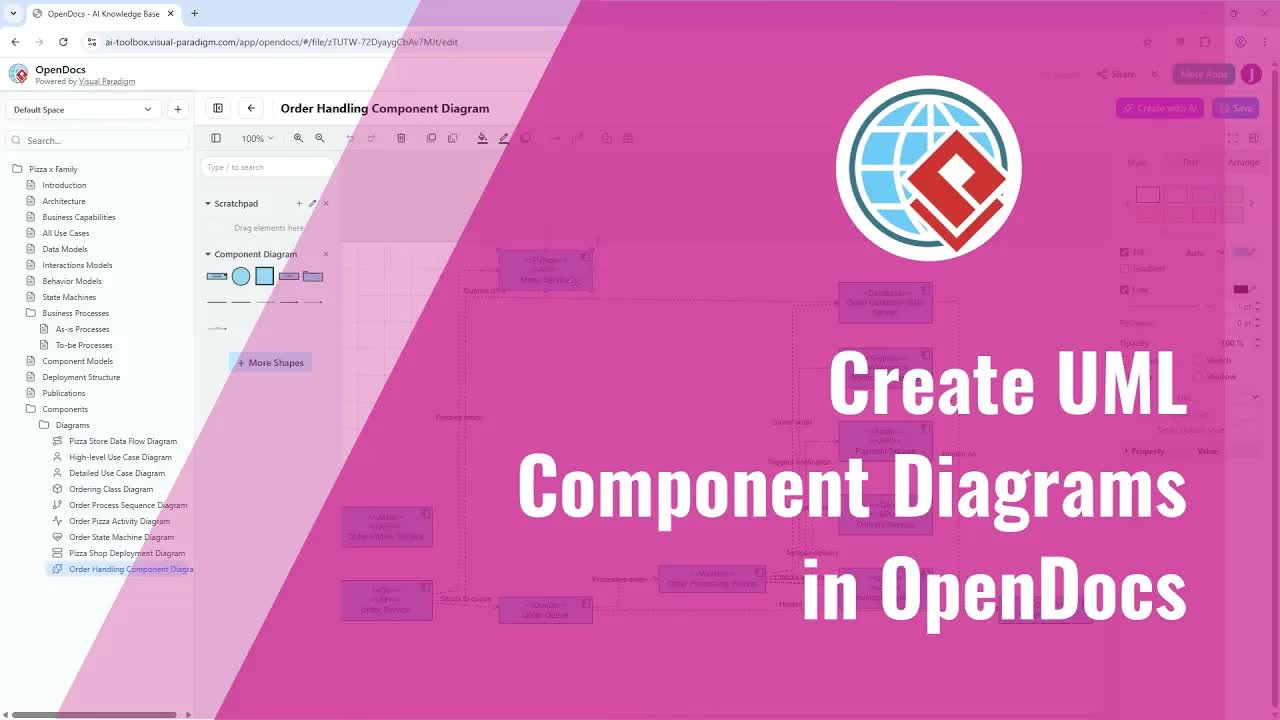
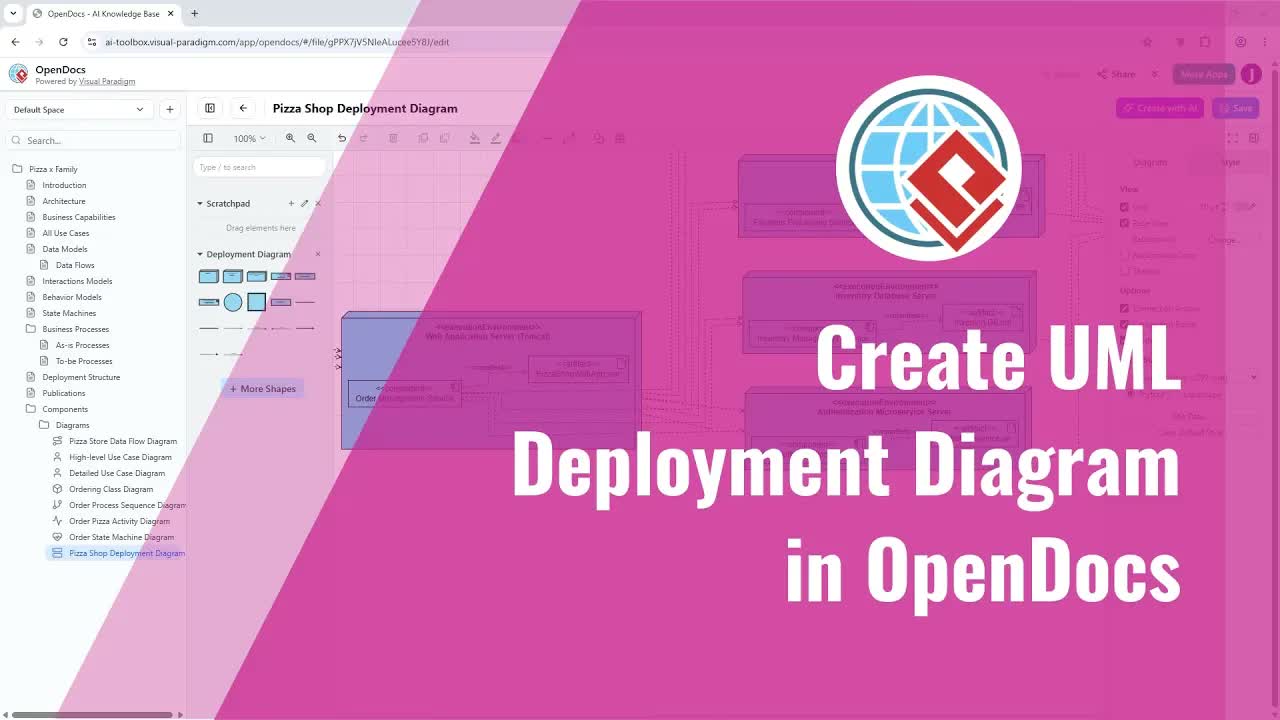
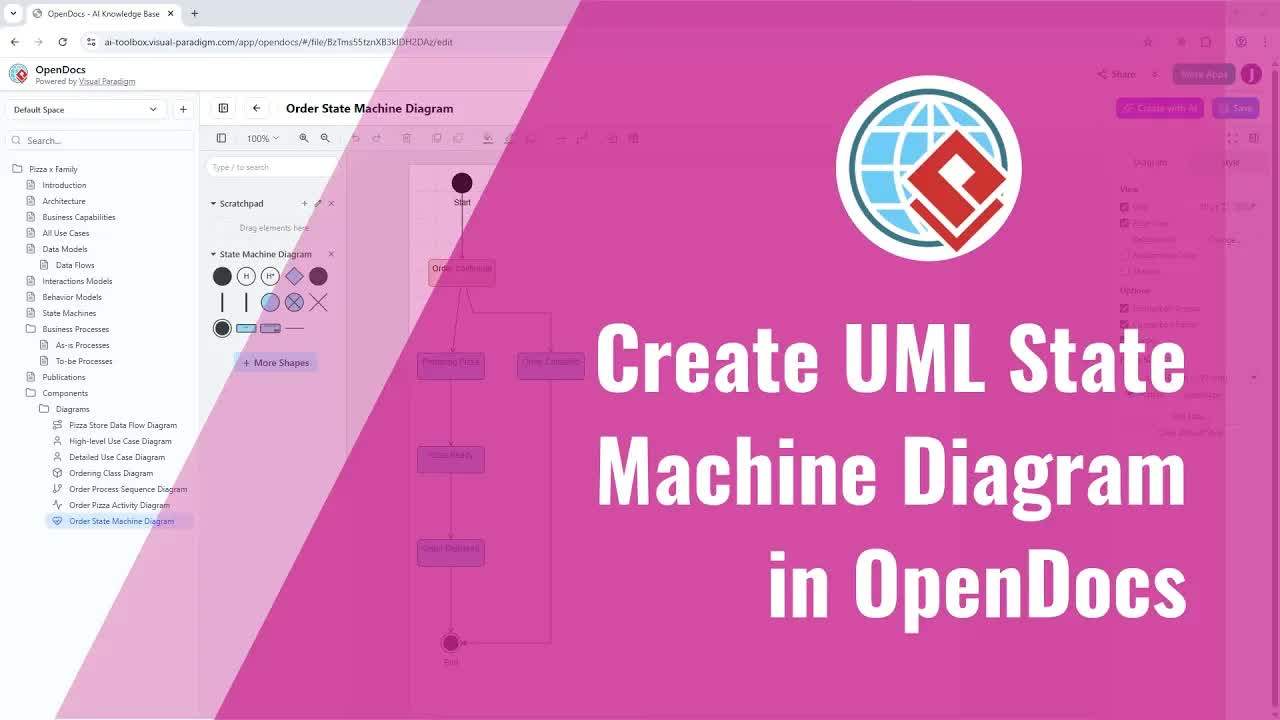
UML Package Diagrams are fundamental architecture diagrams that allow software engineers and system architects to organize model elements into logical groups, manage system dependencies, and simplify complex software hierarchies using Visual Paradigm Online.
This comprehensive guide details how to build UML Package Diagrams using both reusable component workflows and direct single-page insertion, leveraging AI assistance to accelerate system design and technical documentation.
Understanding UML Package Diagrams in OpenDocs
Organizing large-scale software projects requires clear structural boundaries between subsystems, modules, and namespaces. The OpenDocs environment unifies these architecture workflows by integrating visual modeling tools directly inside your documentation workspace.
With the OpenDocs Editor, you can design package structures manually from scratch or generate an initial layout automatically using AI. OpenDocs also supports component-based modeling, allowing a single master Package Diagram to be stored as a dedicated asset and shared across multiple pages.
Key Benefits & Features
- AI-Powered Layout Generation: Instantly generate initial package structures, dependencies, and subsystems from natural language prompts.
- Reusable Component Pages: Maintain a master Package Diagram component and embed it across multiple documentation pages effortlessly.
- Granular Structural Editing: Easily reorganize packages, adjust dependency relationships, and fine-tune layout hierarchies.
- Unified Architecture Specifications: Keep visual package models tightly bound with written technical requirements and design specs.
Method 1: Creating a Reusable UML Package Diagram Component
When a system architecture layout or namespace structure needs to be shared across multiple chapters or specification pages, creating a reusable component page is the recommended approach.
Step 1: Build and Design the Reusable Diagram
- In your document tree or node view, click the Plus (+) icon on any node and choose New Component Page. This creates a dedicated diagram component beneath that node.
- When prompted to select a diagram type, choose Package Diagram.
- The editor will open for you to begin working.
- Construct Manually or with AI:
- Manual Construction: Manually add packages, define namespaces, and connect dependency arrows to establish system architecture boundaries.
- AI Generation: Select Create with AI in the top right corner to generate an initial structure automatically. Note: Generating with AI will replace whatever is currently inside the diagram.
- Reorganize packages, adjust dependencies, and fine-tune the layout to reflect your system design.
- Click Save, then use the Left Arrow button to exit the diagram editor. Your package diagram is now stored as a reusable component.
Step 2: Insert the Saved Diagram into Any Page
- Open your target page in edit mode and click Insert.
- Choose Diagram, then select Import Existing.
- Pick the package diagram you created, and it will be added to the page immediately.
Method 2: Creating a Single-Page UML Package Diagram
If a Package Diagram only needs to appear on a single document page, you can construct it directly inside that page.
Step-by-Step Instructions:
- Open the desired page in edit mode.
- Go to Insert, choose Diagrams, and select Package Diagram.
- The editor will open directly over your page.
- Draw the diagram yourself or generate it with AI.
- Modify and adjust the AI-generated or manual diagram according to your needs.
- Click Save and close the editor to display the package diagram immediately on your page.
Practical Applications for Software Teams
Embedding UML Package Diagrams directly into live technical documentation improves clarity across engineering workflows:
- Software Architects & Lead Developers: Map out system module boundaries, namespace hierarchies, and layer dependencies alongside software design requirements. Engineers writing custom code modules can also leverage VPasCode or the web-based VPasCode Editor.
- DevOps & Maintenance Engineers: Visualize component packaging and library deployment dependencies to streamline build pipelines. Teams can also integrate an AI Chatbot Tool or deploy an interactive Chatbot interface to assist team members querying architecture documentation.
- Technical Writers & Product Managers: Explain high-level system structure and subsystem relationships clearly to technical stakeholders.
Streamline Your Architecture Documentation Today
Combining UML Package Diagram modeling with AI generation and dynamic document publishing ensures your team maintains clear, accurate system architecture models. Explore the full range of visual modeling and design tools powered by Visual Paradigm to transform your technical documentation workflow today.