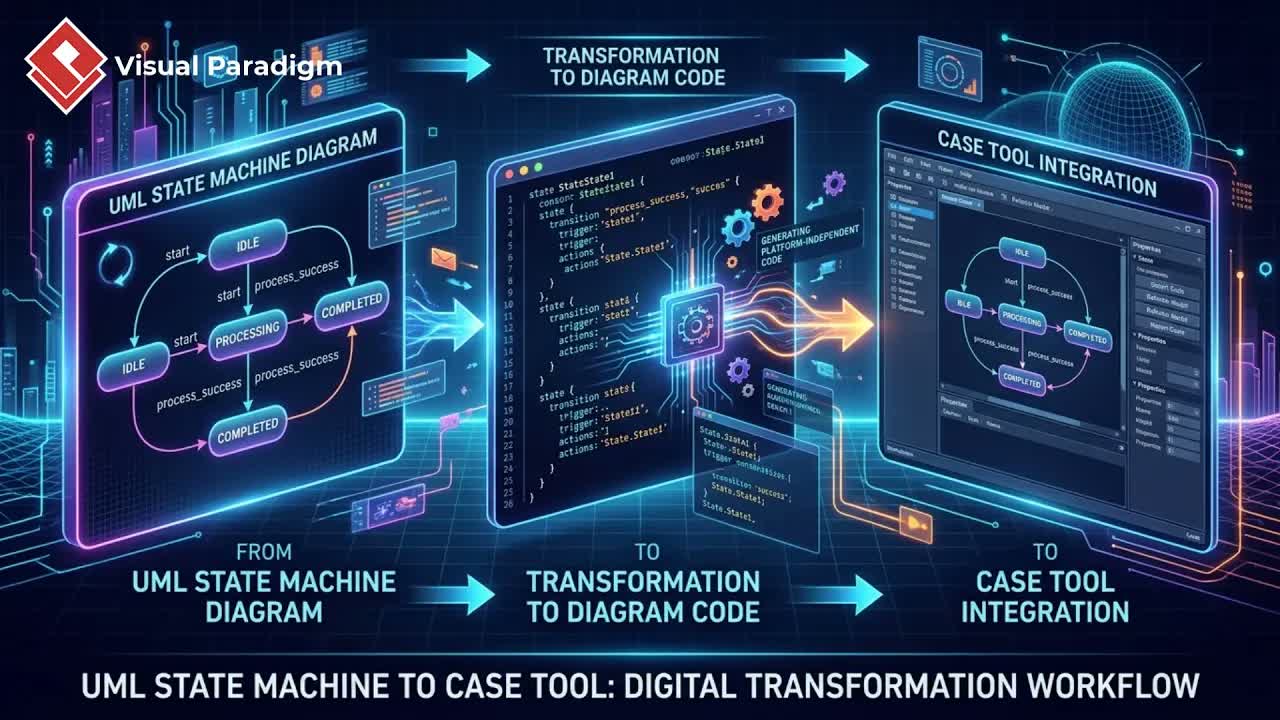
Transform Rough Sketches into Editable Models
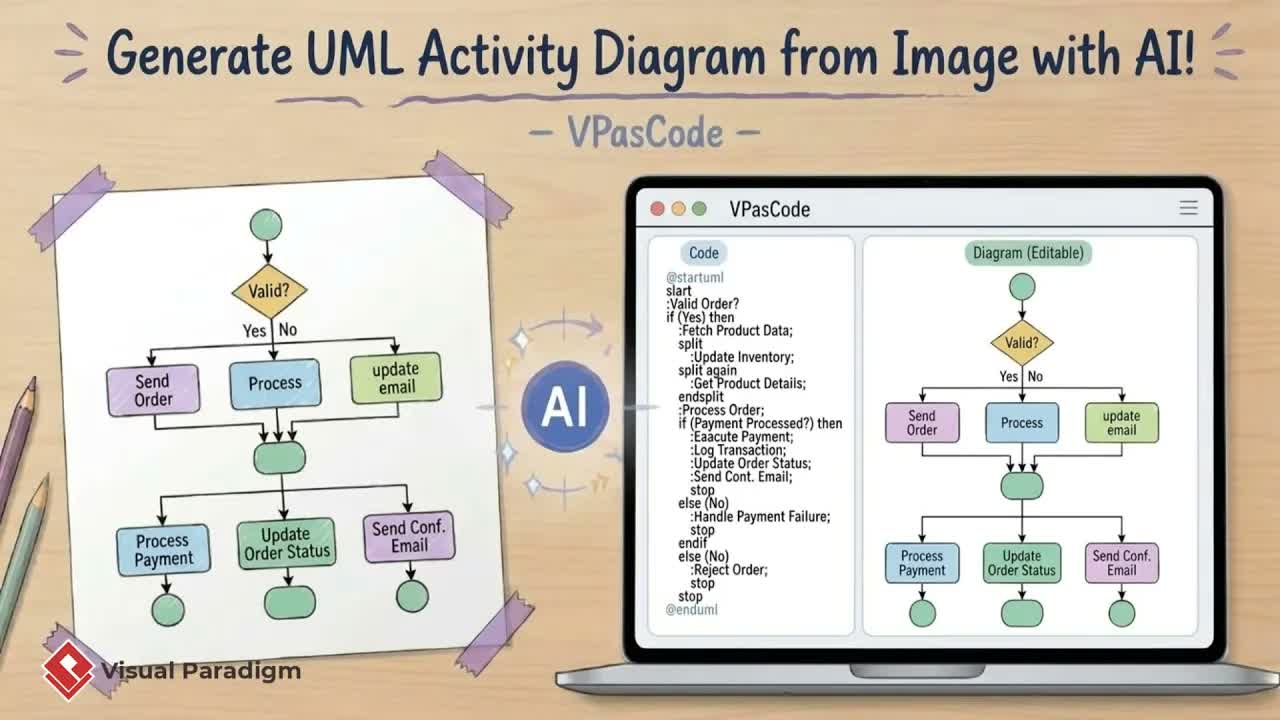
During brainstorming sessions and team meetings, software architecture often starts on whiteboards or paper. Moving those hand-drawn sketches into formal modeling software can be time-consuming and tedious. With AI-driven image recognition, you can bridge the gap between initial ideation and formal software architecture.
1. Uploading Diagram Images for Conversion
To begin converting a sketch or whiteboard photograph into a digital UML class diagram, follow these simple steps within Visual Paradigm Desktop:
- Open the command menu in Visual Paradigm Desktop.
- Navigate to Unified Platform and select VPasCode.
- Click AI Generate and select Image Upload.
- Upload your sketch or diagram photo.
- Enter a prompt asking the AI to recreate the chart based on the image provided.
In seconds, the system processes the image, generating a clean visual diagram alongside its corresponding source code. While the automated layout may differ slightly from your original layout, all classes, attributes, and relationships are accurately preserved.
Refining Models with Code and AI Prompts
Once your initial diagram is created, you can quickly modify and expand it using dual editing modes: direct code edits or natural language AI prompts. For comprehensive syntax rules and modeling conventions, refer to our detailed UML class diagram guide.
Direct Code Editing
Every diagram is backed by lightweight, readable code. Modifying the code instantly updates the diagram layout. For example, adding an attribute such as + VAT: double directly inside a Company class block immediately updates the rendered visual model without requiring manual re-drawing.
AI-Assisted Class Refinement
You can also instruct the AI assistant to perform multi-step modifications automatically. Simply enter plain text instructions, such as:
“Add getter and setter methods for the VAT attribute in the Company class, and add a phone number attribute with getter/setter methods to the Employee class.”
The AI will interpret the command and update both the diagram and underlying code instantly.
Importing and Publishing to OpenDocs
After refining your diagram, seamlessly transition it into full system design artifacts and documentation pipelines.
Converting to Model Assets
Click Import into Visual Paradigm to convert your code-rendered chart into a full Visual Paradigm model asset. This allows you to leverage the full suite of advanced visual editing features, element linking, and model management tools.
Publishing to Technical Documentation
To integrate your new UML diagram into project documentation:
- Open the right-hand panel of your chart and select Send to Pipeline.
- Return to Unified Platform and launch OpenDocs.
- Open or create a page, click Insert, select Pipeline, and choose your updated diagram.
Your class diagram is now fully integrated into your technical documentation lifecycle, keeping your software models synchronized across your development team.
Ready to Transform Your Diagramming Workflow with VPasCode?
Skip the manual drawing tools and move straight from idea to code. Whether you’re typing plain text or scanning a physical whiteboard sketch, VPasCode turns your concepts into clean, fully editable UML class diagrams in seconds.
Try the VPasCode Editor