Managing large-scale enterprise models, software architecture diagrams, and database designs across multiple teams can quickly become complex. Visual Paradigm addresses this challenge with QueryBase—a flexible and powerful querying tool designed to help you quickly explore, search, and extract model elements stored across your entire repository.
What is Visual Paradigm QueryBase?
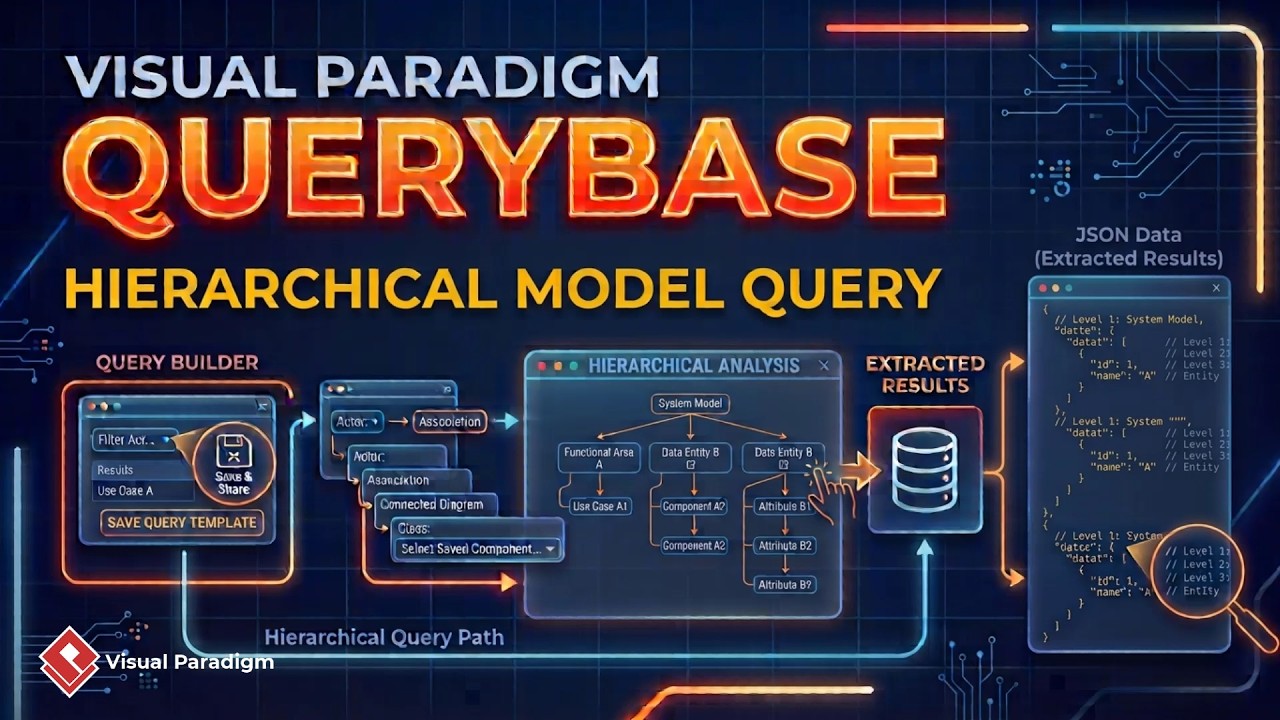
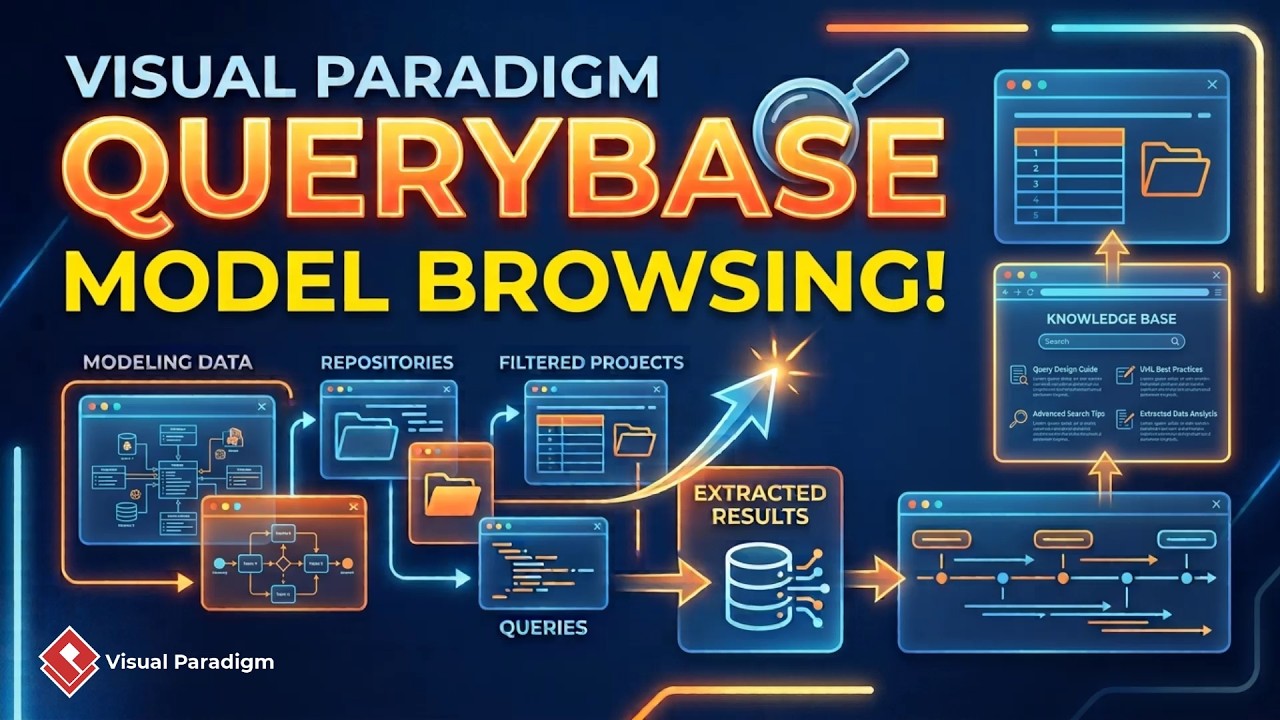
QueryBase is an advanced search and model exploration feature within Visual Paradigm’s Unified Platform. It allows software architects, systems engineers, and database administrators to query enterprise repositories across four structural hierarchy levels: Project, Diagram, Diagram Element, and Sub-element.
Key Features and Querying Options in QueryBase
1. Multi-Level Structural Querying
QueryBase allows you to execute precise searches by defining constraints at varying levels of your repository hierarchy:
- Project Level: Search for projects by name or domain keyword (e.g., finding projects containing “data” or “BPMN”).
- Diagram Level: Focus your search on specific diagram titles or types (e.g., charts containing “sales”).
- Diagram Element Level: Locate individual shapes, entities, or process steps (e.g., items containing “reason” or “pizza”).
- Sub-Element Level: Drill down to granular components like entity columns, attributes, or parameters.
2. Flexible Query Paths & Level Skipping
Unlike rigid search engines, QueryBase does not force you to navigate through every structural layer sequentially:
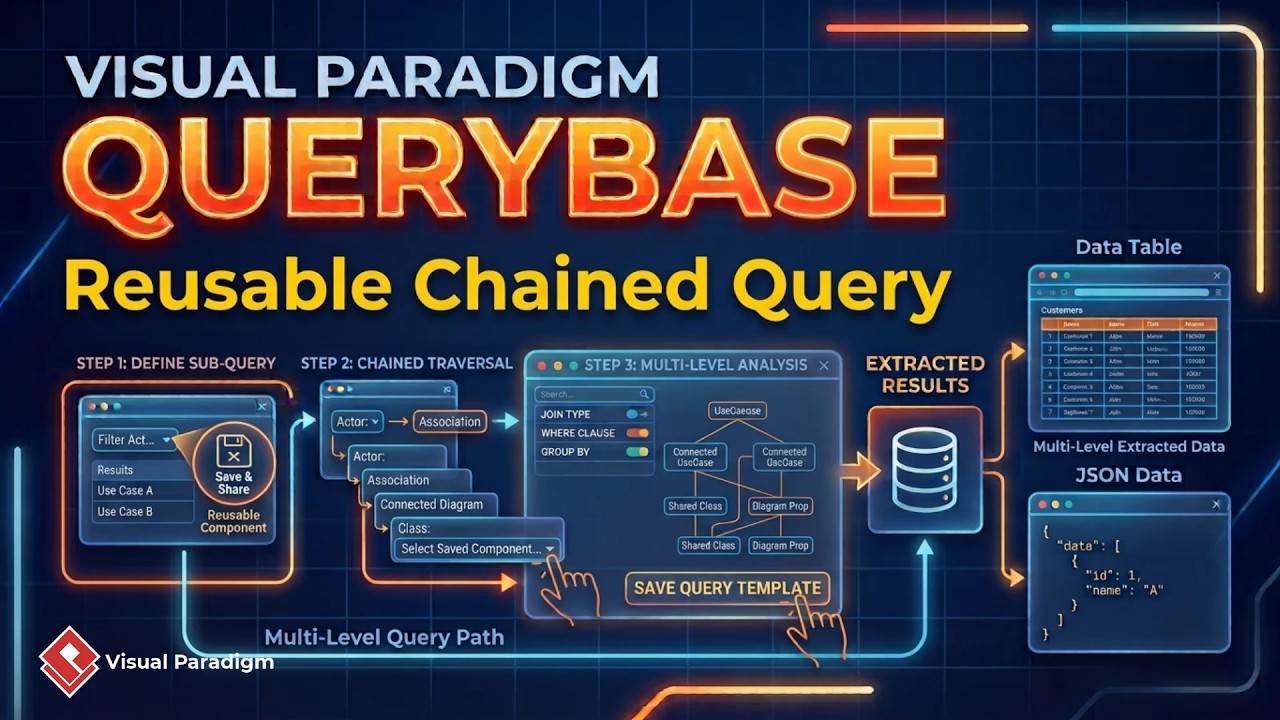
- Full Structural Drill-Down: Start at the project level, narrow down to a diagram, and isolate specific sub-elements (such as finding foreign key relationships within a sales chart inside a database design project).
- Intermediate Skipping: Direct your query to specific element types across an entire project without filtering diagrams first (e.g., retrieving all tasks containing “pizza” across multiple diagrams in a BPMN project).
- Direct Sub-Element Queries: Run global searches for granular components regardless of project location, such as finding database entity columns of type
NVARCHAR with a length of 50 or greater, or finding any model element named “server”.
3. Dynamic Search Filter Customization
Refining query criteria is fast and seamless. Users can directly modify search strings within the filter bar to immediately re-query the repository—for instance, changing filter parameters to search for “customer” across all stored project files. Teams using code-driven design approaches like VPasCode can quickly reference and verify visual model structures against underlying repository models.
4. Results Sorting, Element Inspection, and JSON Export
QueryBase offers built-in tools to organize and extract your search results efficiently:
- Column Sorting: Reorder search outputs by clicking any column header in the query results table.
- Detailed Property View: Select any individual result to open a dedicated browser tab showing detailed properties and metadata for that model element.
- JSON Data Export: Export search outputs into structured JSON format for automated reporting, downstream processing, or integration into the broader Visual Paradigm AI platform ecosystem.
Step-by-Step: How to Use QueryBase in Unified Platform
- Access QueryBase: Log in to your Visual Paradigm repository, click the three-dot navigation icon in Unified Platform, and select QueryBase.
- Select Workspace: Choose your workspace to open the corporate control panel.
- Open Query Configurator: Click the magnifying glass icon in the top-right corner.
- Configure Constraints: Set search conditions at the project, diagram, element, or sub-element level.
- Filter and Sort: Modify search filters on the fly and click column headers in the results table to sort items.
- Inspect and Export: Select a result to review its model properties in a new tab, or export the full result dataset as JSON.
Ready to Explore Your Enterprise Models with Ease?
Streamline your repository navigation, audit system components, and locate visual artifacts effortlessly with QueryBase. Experience intelligent diagramming and system modeling by launching our hands-on editor studio today.