Creating functional, data-driven applications usually requires a combination of database engineering, API design, and frontend code development. Even with modern AI generators, building an application without a clear data schema and backend structure can lead to broken database relationships and incomplete application logic. Visual Paradigm Online bridges this gap with AI App Studio, a no-code AI designer that generates structured application specifications, Entity Relationship Diagrams (ERDs), hosted cloud databases, and master prompts ready for external AI app generators.
Why Use AI App Studio for No-Code Application Development?
Instead of attempting to output front-end user interfaces and back-end logic in a single unstructured step, AI App Studio provides a systematic, blueprint-driven approach to app creation. Key features include:
- Structured App Specifications: Automatically translates simple app ideas into comprehensive developer-ready prompts covering layout styles, workflows, and user controls.
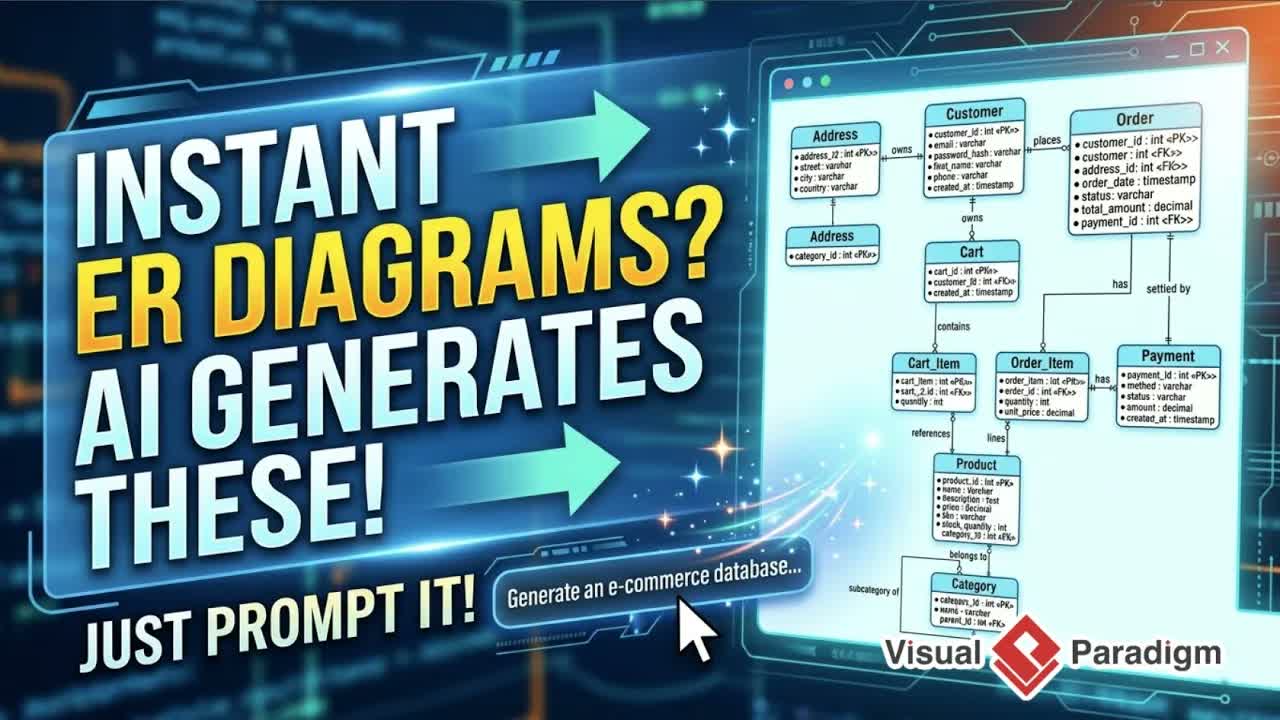
- Automated Database Modeling: Identifies core data objects and instantly generates full ERDs to map relationships before building.
- Hosted Cloud Backend: Built-in database hosting sets up storage automatically, allowing generated applications to store and retrieve data seamlessly.
- Universal Master Prompt Export: Generates fully engineered prompts tailored for external AI app builders like Google AI Studio or Claude to handle UI rendering and app generation.
Step-by-Step Guide: How to Build an App Blueprint with AI App Studio
Designing a data-driven application blueprint with AI App Studio involves a straightforward, guided workflow:
- Launch App Studio: Log into your Visual Paradigm Online workspace, click More in the shortcut panel, search for App Studio, and launch the application.
- Describe Your App Idea: Enter a basic description of the application you want to build. Use the built-in AI enhancement feature to automatically expand and refine your initial prompt into a detailed project scope.
- Generate & Review the ERD: Click Start Now to let AI App Studio identify data objects and map them into an ERD. Click Full ERD Ready to review the complete database structure, toggling between orthogonal and default diagram views.
- Provision the Hosted Backend: Click Ready the Back End and specify your superuser administrator credentials. AI App Studio will automatically set up and host the cloud database structure for your project.
- Customize the Blueprint & Master Prompt: Switch to the Blueprint tab. Select your desired application layout type (e.g., dashboard-based, wizard-based, tab-based, or form-based), choose a UI framework, and set your visual theme preferences.
- Copy & Generate via AI App Builders: Click Copy to extract the final master prompt. Paste this prompt directly into your preferred AI app generator to build, preview, and deploy your frontend interface.
- Manage Backend Data: Return to the Back-End tab in AI App Studio anytime to directly browse, manage, and inspect the live database records connected to your application.
Practical Use Cases for No-Code AI Application Design
Structuring database models and master prompts provides strong flexibility for various app development projects:
- Rapid Prototyping & MVP Creation: Quickly model functional prototypes and evaluate data structures before committing engineering resources to custom software development.
- Internal Business Tools & Dashboards: Build internal administrative dashboards, asset trackers, and approval forms supported by an automated cloud database setup.
- Technical Documentation & System Planning: Maintain accurate system specifications alongside project assets. For comprehensive online documentation and specification storage, use tools like OpenDocs or edit markdown documentation using the OpenDocs Editor.
Explore More Visual Paradigm Solutions
Discover additional system modeling, design, and AI-assisted development tools available from Visual Paradigm: