What Is QueryBase?
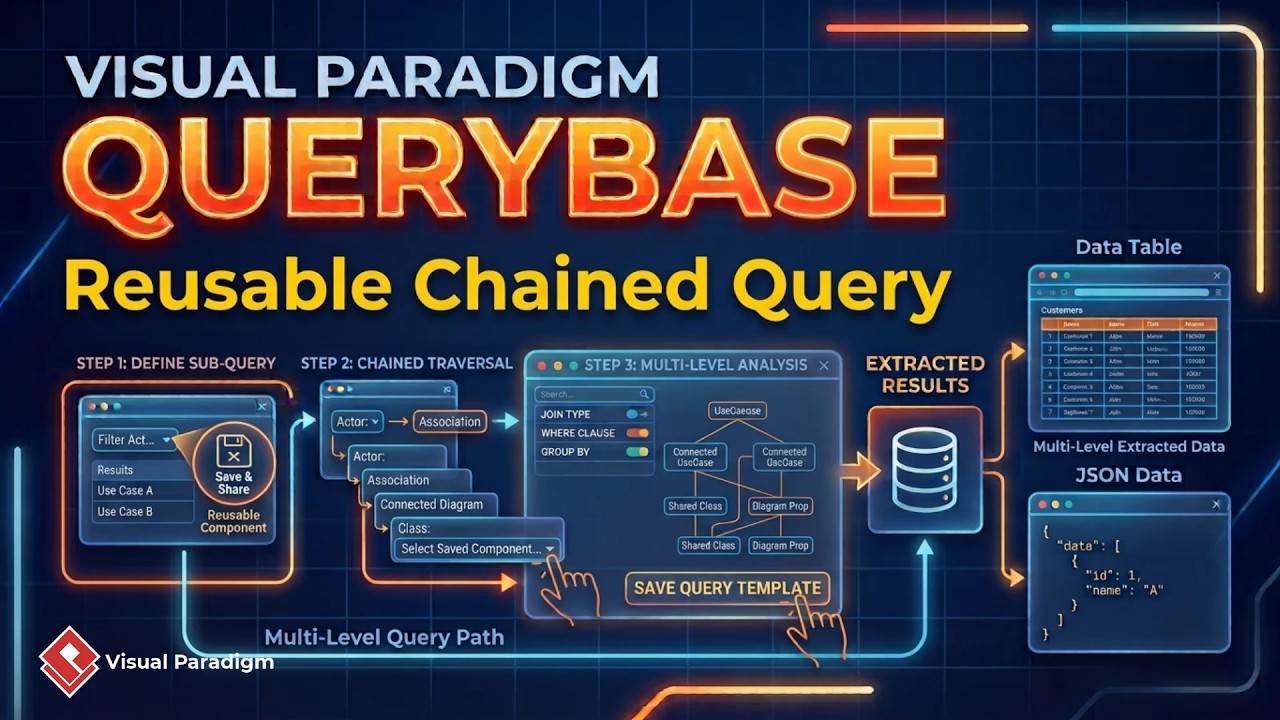
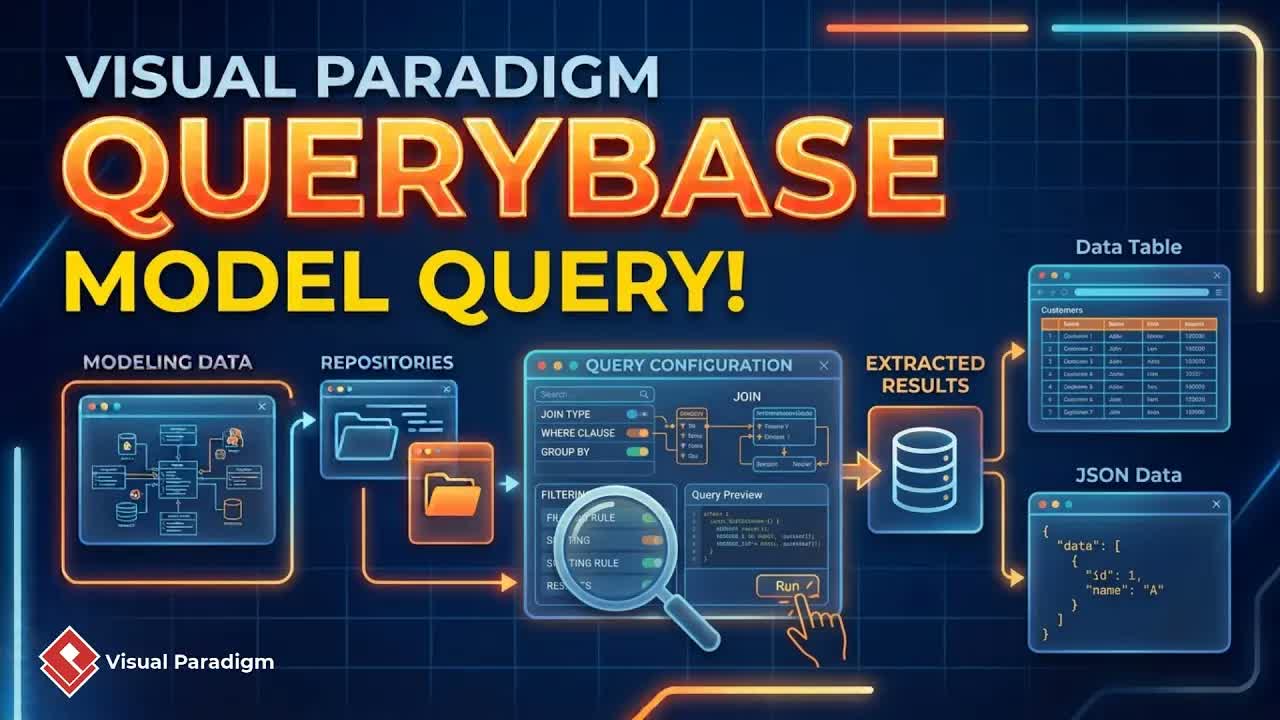
QueryBase adds an intelligence layer to projects stored in a Visual Paradigm repository.
Instead of manually searching through individual diagrams, users can navigate model data,
inspect element properties, and follow relationships between related elements.
QueryBase provides three query modes:
- Model Browsing: Navigate workspaces, projects, diagrams, and model elements.
- Query by Model: Explore repository content based on model information.
- Query by Hierarchy: Examine model content according to its structural hierarchy.
This guide focuses on Model Browsing using Visual Paradigm Online as the repository.
What Can You Do with Model Browsing?
Model Browsing helps analysts, software architects, designers, and project teams quickly
understand the contents of a modeling repository. You can use it to:
- Access available Visual Paradigm workspaces.
- Review projects stored in a workspace.
- Check project information and activity details.
- Open and inspect diagrams.
- View the elements contained in a diagram.
- Inspect the properties of individual model elements.
- Navigate between related elements through model relationships.
- Review large diagrams in a separate window.
How to Use QueryBase Model Browsing in Visual Paradigm Online
1. Sign in to your Visual Paradigm Online workspace
Open a web browser and sign in to your Visual Paradigm Online workspace. After signing in,
you will arrive at the unified platform, where the available tools and services can be accessed.
2. Open QueryBase
Select the More or ellipses button in the unified platform and choose
QueryBase. QueryBase will display the workspaces accessible through your account.
3. Select a workspace
Choose the workspace that contains the repository content you want to explore. You will then
arrive at the workspace’s corporate dashboard.
4. Choose a project
The corporate dashboard displays the projects available for querying. Select a project to
review its repository details.
Project information may include:
- Project name
- Project members
- Project creation date
- Most recent commit date
- Diagrams contained in the project
5. Open a diagram
Select a diagram from the project details page to open its diagram page. The diagram image
appears at the top, while the model elements contained in the diagram are listed below it.
6. Inspect diagram elements
Select an element in the diagram to view its model properties. This allows you to examine
the information associated with classes, components, actors, activities, requirements, or
other model elements supported by your project.
7. Follow model relationships
QueryBase lets you navigate to related elements through the relationships defined in the
model. This makes it easier to understand how elements are connected without manually
searching through multiple diagrams.
Browsing Large Diagrams More Efficiently
Large diagrams can be difficult to inspect in a limited browser window. QueryBase provides
an option to open a diagram in a new window, allowing you to:
- Resize the diagram view according to your screen.
- Zoom in to inspect detailed model content.
- Keep the diagram visible while reviewing model properties.
- Use a second monitor for side-by-side model analysis.
This workflow is especially useful when working with complex software architecture,
business process, system design, and enterprise modeling diagrams.
How to Access QueryBase from Visual Paradigm Desktop
QueryBase can also be accessed from Visual Paradigm Desktop when the desktop application is
connected to a repository through the team unified platform.
- Open Visual Paradigm Desktop.
- Select Team Unified Platform.
- Click the QueryBase button.
- Browse the repository connected to your Visual Paradigm Desktop application.
Benefits of QueryBase Model Browsing
Faster repository navigation
Model Browsing provides a direct path from workspace to project, diagram, and element,
reducing the time required to locate important model information.
Better understanding of model structure
By viewing diagram elements, properties, and relationships together, users can understand
both the content of a model and the way its parts are connected.
Improved model analysis
Inspecting element properties and following related elements supports deeper analysis of
system designs, business processes, requirements, and software architectures.
More effective collaboration
Project members can access a consistent view of repository content, making it easier to
discuss models, review designs, and locate shared project information.
Convenient support for detailed diagrams
The separate-window feature provides a more flexible workspace for reviewing large and
detailed diagrams, particularly in dual-monitor environments.
Frequently Asked Questions
What is Visual Paradigm QueryBase?
Visual Paradigm QueryBase is a model querying platform for exploring, searching, and
extracting structured information from projects stored in a Visual Paradigm repository.
What is Model Browsing in QueryBase?
Model Browsing is a QueryBase mode that lets users navigate workspaces, projects, diagrams,
diagram elements, model properties, and related elements through the repository.
Can QueryBase display diagram elements and their properties?
Yes. After opening a diagram, users can view its elements and select an element to inspect
its available model properties.
Can I navigate between related model elements?
Yes. QueryBase allows users to follow relationships defined in the model and navigate to
related elements.
Can large diagrams be opened separately?
Yes. A diagram can be opened in a new window so that users can resize and zoom the diagram,
or view it alongside model properties on a second monitor.
Can I access QueryBase from Visual Paradigm Desktop?
Yes. In Visual Paradigm Desktop, select Team Unified Platform and then
choose QueryBase to access the connected repository.
Explore Your Models with Greater Clarity
QueryBase Model Browsing provides a practical way to explore Visual Paradigm repositories.
From workspace and project navigation to diagram inspection and relationship tracing, it
helps users retrieve model information quickly and understand complex designs more clearly.
Whether you are reviewing a software architecture, analyzing business processes, or
inspecting requirements and system relationships, QueryBase gives you a structured way to
browse your models and work more efficiently.